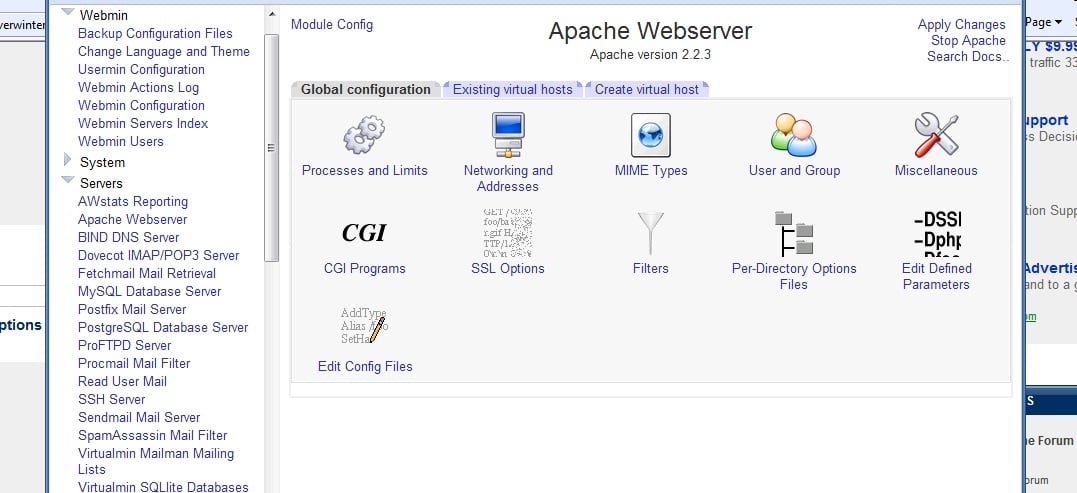
I've just installed Cent OS 5 on my server and I'm trying to configure it using Webmin. Now I've reached the Apache section and I want to install/uninstall apache modules, but in the apache configuration page cannot see the modules section.
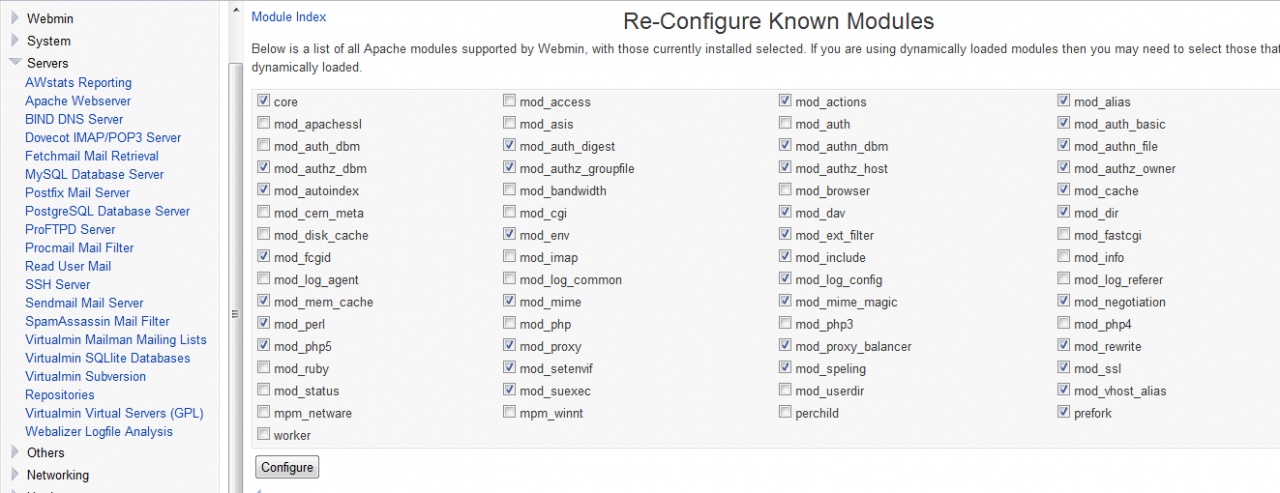
This is very strange. Previously I had Ubuntu and the modules link was there (pic) allowing me to access a page where I could easely enable-disable all the modules I wanted. Now is not :)
How can I fix this?
Thank you!

Recommended Answers
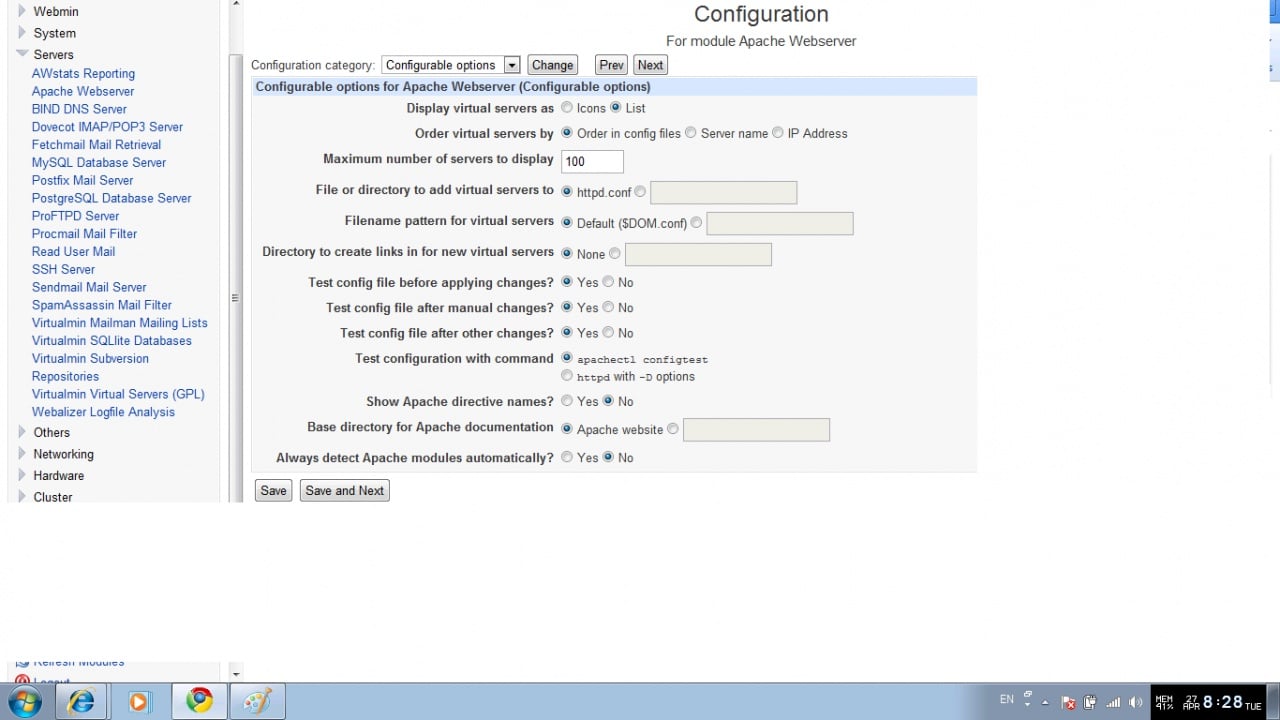
Jump to PostHave you changed the config to reflect where your CentOS apache files are? Make sure all the config info is updated and you can stop and start apache from within Webmin.
All 3 Replies
Reply to this topic

Be a part of the DaniWeb community
We're a friendly, industry-focused community of developers, IT pros, digital marketers, and technology enthusiasts meeting, networking, learning, and sharing knowledge.