I have tried rolling WMP 11 back to WMP 10 but it doesn't seem to want to do anything.
I went to the Add/Remove Programs and then went to Windows Media Player 11 and then Change/Remove and gone through the process and it says "Rolling back was successful" (or something along those lines) but when I go back to the Add/Remove Programs window, WMP 11 is still there and so is that damn Framework! When I try to remove that one, it says I have to uninstall WMP !!! But it won't let me rollback !!! :eek: ARGGGHHHH! I think I'm gonna go mad! LOL
I don't know what else to do and I really don't want WMP 11 because it's causing too many problems, so if anybody has any idea about this, please reply back. I will be ever greatful !!! ;) Thank yoooo!
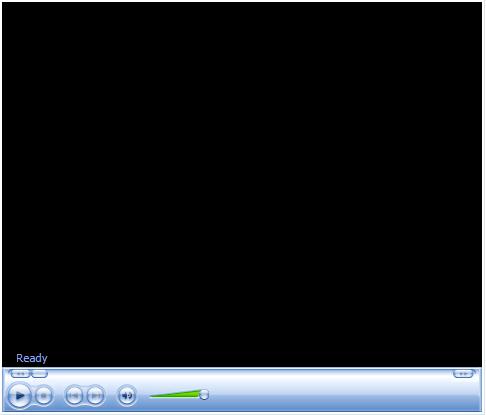
Also, this is what I get when I try to watch media on the NET. The media doesn't load, it just stands blank and it has the ironic caption in the bottom left corner of 'Ready'. When I press Play it just doesn't do anything. At other times, the box doesn't even load [See both attachments]
And, when you uninstall WMP11 you will still need to mauanlly remove the base WMP folder in program files, then install 10 again.
I don't think it's possible to unistall WMP because it's part of Windows. And as I said before I can't uninstall it anyway from the Add/Remove Programs because it just comes back with the roll back and doesn't do anything after.
Erm, I tried removing WMP from the components and then I went to Program Files to delete the base files but it keep on saying it's in use when it's clearly not. :-S
If it say it's in use I would check the running processes and if you see WMP I0 would exit out of it (task mamanger) - then download WMP 10 directly. Alternatively you could doa repai install of XP after the WMP deletion and it should roll back to WMP 9 then you could install WMP 10 over that.
I know it's not in use because I can't see it in the Processes list. :( I don't know what to do. It's just sitting there unused and I don't want any unneccessary junk on my computer.