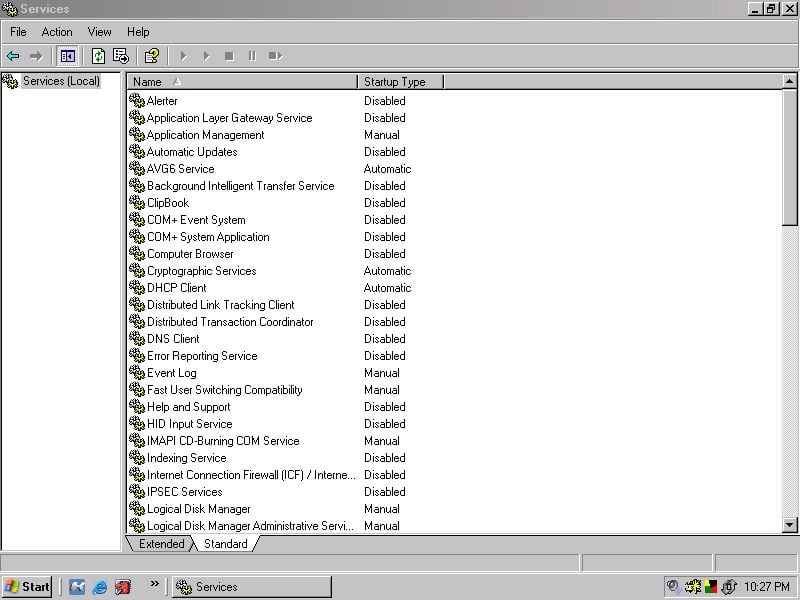
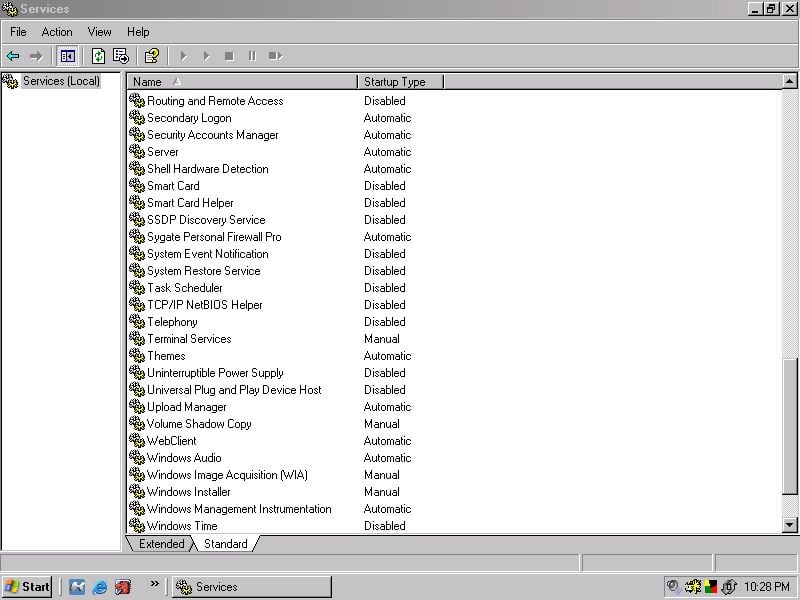
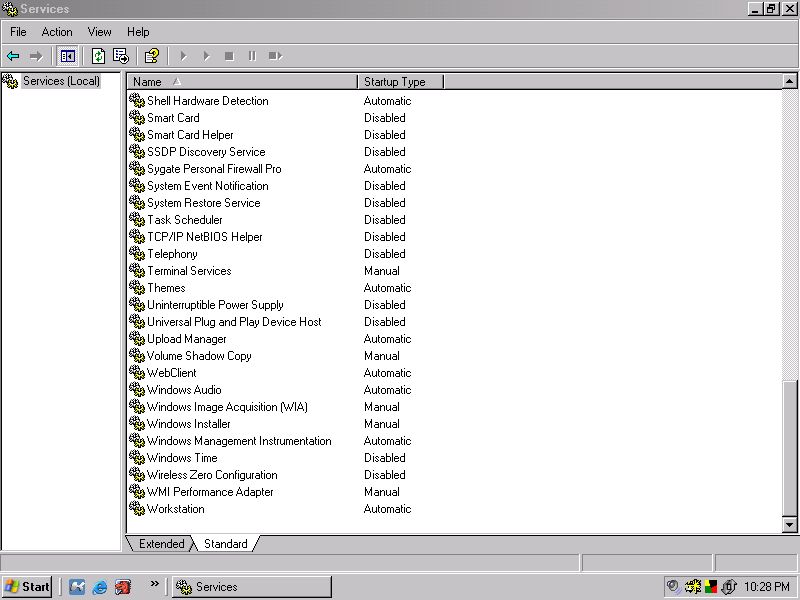
hey, i recently formatted my hd, when i re-installed windows (xp) i noticed that the longer the pc was runing my mouse started to lag every 2 secs for a period of 4 secs at a time, upon looking at my processes in the task manager, i noticed my cpu usage was going to 100% for 4 secs then back to between 20% and 40% for 2 secs, it does this repetedly and all i have running is msn messenger, but it does it when nothing is running too ;/ i realy cant do a thing with my PC, as in play games, which i need to do as i run a clan for RTCW. ive reinstalled and re-formnatted 3 times, and still the same. i installed diff video and sound drivers every time and always made sure that i installed the chipset driver first b4 anything else, i have a friend who is very good at this stuff, and even he is stumped, anyone got any ideas? pleeeeease :'(
PS. please view the attached jpeg of my cpu usage to understand what im jibbering on about :)