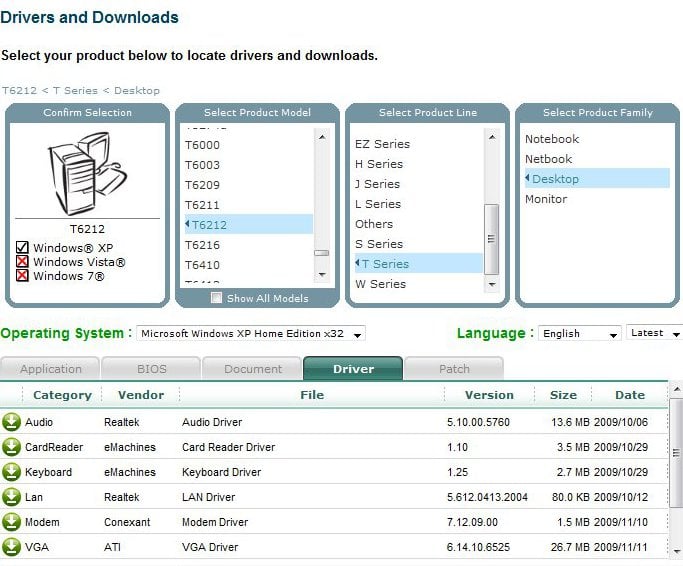
Perhaps you are missing the drivers for them or maybe the cables aren't connected.
First check the cables are connected and are in the correct port.
Next you have to try to find the correct drivers if the cables are correctly connected.
Do you know the model of you computer or motherboard number?
You may want to try speccy to get further system information.
I have had this same problem with emachines in the past. After doing a full wipe and reload with system disks, still not sound.
After some frustration I was ready to drop a sound card in when WinXP wanted to do some updates. I allowed all updates and when it finished....whala! SOUND! So, it maybe a driver got currupted or something, try requesting a new update or re-install previous updates.
Perhaps you are missing the drivers for them or maybe the cables aren't connected.
First check the cables are connected and are in the correct port.
Next you have to try to find the correct drivers if the cables are correctly connected.
Do you know the model of you computer or motherboard number?
You may want to try speccy to get further system information.
- Let us know how it goes.
Perfect! the site that you directed me to has a host of useful driver updates, etc. Problem Solved. thanks for your assistance.