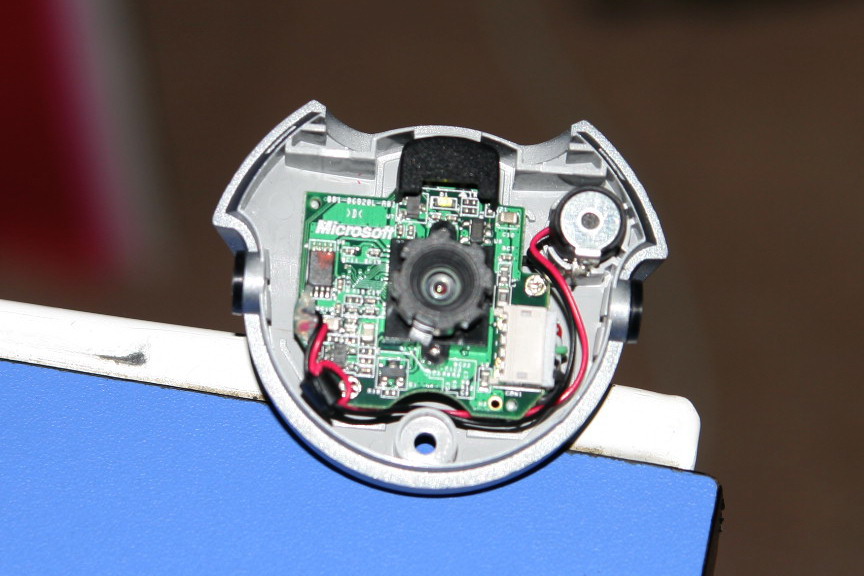
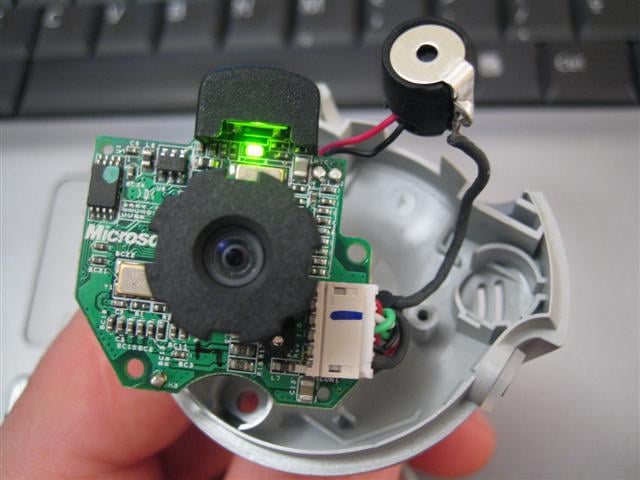
I recently got a new Lifecam VX-3000 to use with MSN messenger. It works fine for stand-alone video capture, and it works alright when using the video alone on MSN, but when I try to use the microphone at all, it just comes up with this dreadful buzzing or humming. I cant hear it on my comp when I video call or just chat with Ventrilo, but everyone else can hear it and they cant hear what I say at all.
I tried adjusting the volume on the mic, and it just jumps back up to high no matter what.
I tried disabling the microphone on it and using an external one, but the video wont work when I do that, and the external mic isnt recognized by my computer or doesnt work.
I tried moving the cam away from my speakers, but the cord isnt very long and cant reach very far away, and the cord on the speakers isnt long enough to move them very far from the cam, either.
The only other thing I can think of is disabling the webcam when I want to use Ventrilo and getting a new microphone for my computer. I really would rather just figure out some way to fix the microphone on the LifeCam, but I cant see how.
Any suggestions?