Hi,
Thank you all for your help.
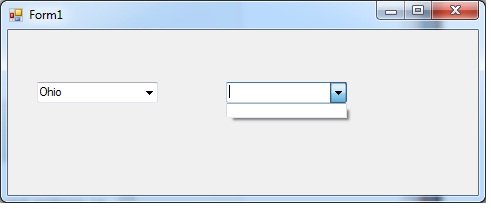
I wrote this code and I want (Combobox2) to show only the cities that are selected from (Combobox1)
Example:
When (Michigan) is selected from (Combobox1) - (Detroit & Ann Arbor) are the only choices that should be selected from (Combobox2)
And When (Ohio) is selected from (Combobox1) - (Cleveland and Dayton) are the only choices that should be selected from (Combobox2)
Private Sub Form1_Load(sender As System.Object, e As System.EventArgs) Handles MyBase.Load
        Me.ComboBox1.Items.Add("Michigan")
        Me.ComboBox1.Items.Add("Ohio")
        Me.ComboBox2.Items.Add("Detroit")
        Me.ComboBox2.Items.Add("Ann Arbor")
        Me.ComboBox2.Items.Add("Cleveland")
        Me.ComboBox2.Items.Add("Dayton")

    End Sub