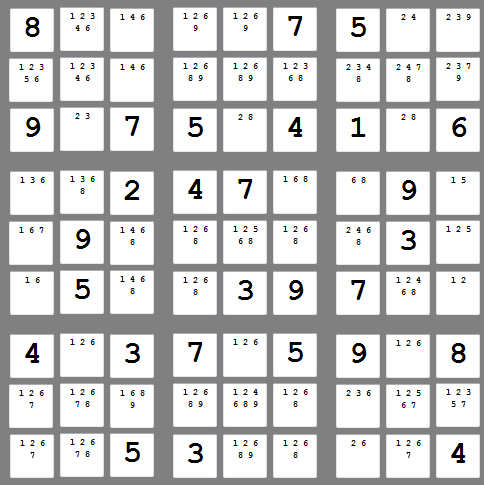
Hi, I'm currently trying to program a sudoku solver.
As a beginner I wrote pseudocode to establish what I'd have to do. One of the first things was to make sure each number in each of the 3 x 3 grids aren't equal to any of the others. Here is my attempt. I'm pretty sure I've gone the long way around tackling this but it was the only way I was fairly confident I knew how to do, haha. txt1_2 means that it's the second number in the first 3 x 3 grid (from left to right). At the moment, even if I put in different numbers, it comes up with two of the 'error' message boxes. This code only focuses on the first 3 x 3 grid. Any help would be much appreciated!
Thanks
Public Class Form1


    Private Sub btnSolve_Click(ByVal sender As System.Object, ByVal e As System.EventArgs) Handles btnSolve.Click
        Dim Group1(8) As String
        Dim Group2(8) As Integer
        Dim x As Integer

        Group1(0) = txt1_1.Text
        Group1(1) = txt1_2.Text
        Group1(2) = txt1_3.Text
        Group1(3) = txt1_4.Text
        Group1(4) = txt1_5.Text
        Group1(5) = txt1_6.Text
        Group1(6) = txt1_7.Text
        Group1(7) = txt1_8.Text
        Group1(8) = txt1_9.Text

        For x = 0 To 8
            Select Case x
                Case Is = 8
                    If Group1(x) = Group1(0) Or Group1(1) Or Group1(2) Or Group1(3) Or Group1(4) Or Group1(5) Or Group1(6) Or Group1(7) Then
                        MessageBox.Show("Error!")
                    Else
                    End If
                Case x = 7
                    If Group1(x) = Group1(0) Or Group1(1) Or Group1(2) Or Group1(3) Or Group1(4) Or Group1(5) Or Group1(6) Or Group1(8) Then
                        MessageBox.Show("Error!")
                    Else
                    End If
                Case x = 6
                    If Group1(x) = Group1(0) Or Group1(1) Or Group1(2) Or Group1(3) Or Group1(4) Or Group1(5) Or Group1(7) Or Group1(8) Then
                        MessageBox.Show("Error!")
                    Else
                    End If
                Case x = 5
                    If Group1(x) = Group1(0) Or Group1(1) Or Group1(2) Or Group1(3) Or Group1(4) Or Group1(7) Or Group1(6) Or Group1(8) Then
                        MessageBox.Show("Error!")
                    End If
                Case x = 4
                    If Group1(x) = Group1(0) Or Group1(1) Or Group1(2) Or Group1(3) Or Group1(7) Or Group1(5) Or Group1(6) Or Group1(8) Then
                        MessageBox.Show("Error!")
                    Else
                    End If
                Case x = 3
                    If Group1(x) = Group1(0) Or Group1(1) Or Group1(2) Or Group1(7) Or Group1(4) Or Group1(5) Or Group1(6) Or Group1(8) Then
                        MessageBox.Show("Error!")
                    Else
                    End If
                Case x = 2
                    If Group1(x) = Group1(0) Or Group1(1) Or Group1(7) Or Group1(3) Or Group1(4) Or Group1(5) Or Group1(6) Or Group1(8) Then
                        MessageBox.Show("Error!")
                    Else
                    End If
                Case x = 1
                    If Group1(x) = Group1(0) Or Group1(7) Or Group1(2) Or Group1(3) Or Group1(4) Or Group1(5) Or Group1(6) Or Group1(8) Then
                        MessageBox.Show("Error!")
                    Else
                    End If
                Case x = 0
                    If Group1(x) = Group1(7) Or Group1(1) Or Group1(2) Or Group1(3) Or Group1(4) Or Group1(5) Or Group1(6) Or Group1(8) Then
                        MessageBox.Show("Error!")
                    Else
                    End If
            End Select
        Next


    End Sub
End Class