I have a Toshiba Satelite laptop and a few days ago a single grey line appeared across the lower portion of my screen. Yesterday, another grey line appeared across the upper portion of my screen. Does anyone know what this is?

Bubala
0
Newbie Poster
Recommended Answers
Jump to PostI have a Toshiba Satelite laptop and a few days ago a single grey line appeared across the lower portion of my screen. Yesterday, another grey line appeared across the upper portion of my screen. Does anyone know what this is?
It is probably a bad display. The LCD is …
Jump to PostI'm having a similar problem as well with our monitor
we have windows 2000 and recently a horizontal line
which keeps changing colour (usually it's red/pink/blue/yellow)
started to appear on the right side of the screen
it sometimes disappears but it always comes up again. Could this possibly be a …
Jump to PostI'm having a similar problem as well with our monitor
we have windows 2000 and recently a horizontal line
which keeps changing colour (usually it's red/pink/blue/yellow)
started to appear on the right side of the screen
it sometimes disappears but it always comes up againcould this possibly be a …
Jump to PostIf any of you are getting lines on your LCD display (like a horizontal or a vertical), it's usually a bad LCD display (the panel itself has a very "partial", or "localized" failure). Someone here mentioned twisting the display - which you can do on laptops - that might make …
Jump to PostHmmm... did you capture, detain, and interrogate that ... ant? The ant could've sensed a pile of sugar inside your laptop, you know... Was there a spill involving soft drinks, Starbucks coffee, or HagenDaas ice cream?
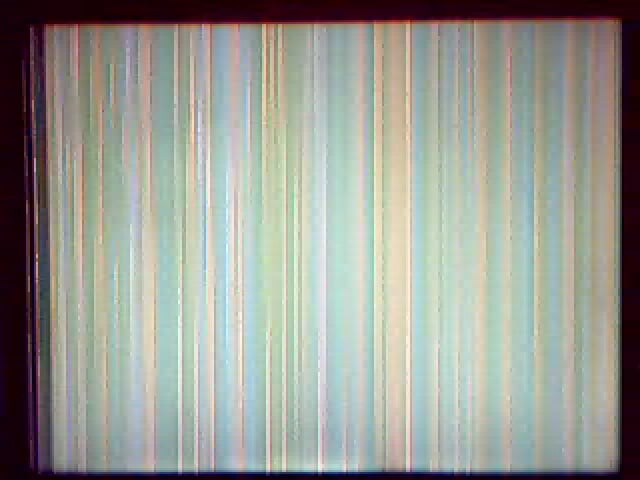
If your screen is full of vertical lines (scrambled) , but external video …
All 35 Replies
rbennett
0
Newbie Poster

TallCool1
81
Practically a Posting Shark
Team Colleague
Rin
0
Newbie Poster
TallCool1
81
Practically a Posting Shark
Team Colleague
awveek
commented:
u r really cool man. I've had this problem & tried everything. I'm in uk and a pc tech person told I need a new lcd display. I my self tried ram exchange and opened up the laptop. but pressing the screen as u hav told worked like magic. Thanks a lot
+0

DMR
152
Wombat At Large
Team Colleague
Bruno Saraiva
0
Newbie Poster
bobchang
0
Light Poster
Indianr
0
Newbie Poster
bobchang
0
Light Poster
bobchang
0
Light Poster
Indianr
0
Newbie Poster
bobchang
0
Light Poster
Indianr
0
Newbie Poster
bobchang
0
Light Poster
bobchang
0
Light Poster
Indianr
0
Newbie Poster
Indianr
0
Newbie Poster
bobchang
0
Light Poster
bobchang
0
Light Poster
Indianr
0
Newbie Poster
bobchang
0
Light Poster
Indianr
0
Newbie Poster
Indianr
0
Newbie Poster
Indianr
0
Newbie Poster
Indianr
0
Newbie Poster
bobchang
0
Light Poster
Indianr
0
Newbie Poster
bobchang
0
Light Poster
Be a part of the DaniWeb community
We're a friendly, industry-focused community of developers, IT pros, digital marketers, and technology enthusiasts meeting, networking, learning, and sharing knowledge.