954,604 Members — Technology Publication meets Social Media
Username:
Password:
Lost login information?

Pure CSS Image Gallery with mouse-click swap

By Troy III on Sep 27th, 2009 9:19 pm

This code enables you to publish a CSS only with mouse click and keyboard tab image swap.

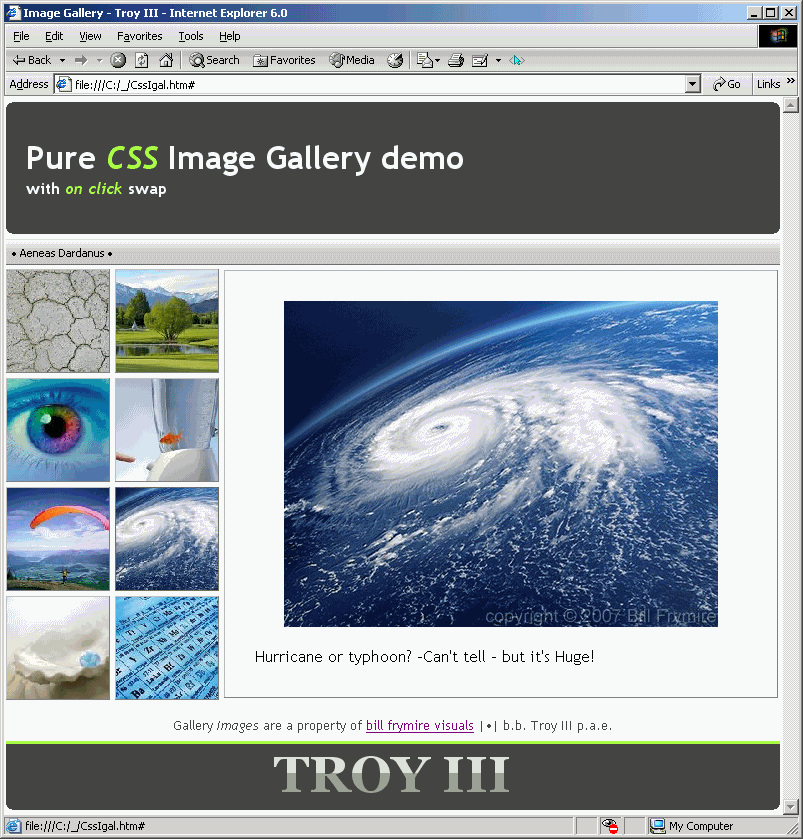
Attached is a Demo example of how it would look on IE6.

To ensure the greatest possible cross-browser compatibility/support this code uses CSS level 1 capabilities only.

One of extra benefits is that it will function even within browsers that doesn't support, and/or clients that have disabled javascript engine to.

Big images are asynchronous keeping the page as light and as fast as possible. The code itself will fall under 6KB if relative URLs are used. [here I'm using absolute paths to some real images available on the net for demonstration purposes only].

It's a copy-paste ready for preview demo.
It is HTML4.01 Strict and CSS2.1 validated.
<!DOCTYPE html PUBLIC "-//W3C//DTD HTML 4.01//EN"
   "http://www.w3.org/TR/html4/strict.dtd">

<html>
<head>
<meta http-equiv="Content-Type" content="text/html;charset=utf-8">
<meta name="Author" content="b.b. Troy III p.a.e.">
<title>Image Gallery</title>
	<style type="text/css">
		*
		{ 
			margin: 0;
			padding:0;
			border: 0;
			font-family: 'Trebuchet MS', Helvetica, sans-serif;
		}
		body
		{
			background: white;
			width: 774px; 
			margin: 5px auto;
		}
		.gallery
		{
			position: relative;
			height: 100%;
			width: 100%; 
			margin: 4px 0 4px 0px;
			background: url('http://www.layoutstar.com/images/allbackgrounds/bgs/artistic/artistic_background_01.gif') no-repeat 73% 48%; 
		}
		.thumb span
		{
			position: absolute;
			top: 1px;
			left: 218px;
			border: outset 1px #f0f9ff; 
			visibility: hidden;
			text-decoration: none;
			color: black;
			padding: 30px; 
		}
		.n1:active span,.n1:focus span
		{
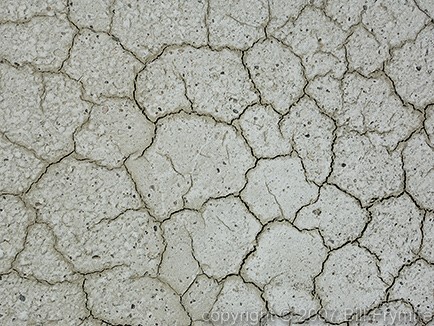
			background: url('http://www.billfrymire.com/gallery/webJpgs/dry-drought-arid-dirt.jpg')
		}
		.n2:active span,.n2:focus span
		{
			background: url('http://www.billfrymire.com/gallery/webJpgs/Sun-Valley-golf-course.jpg')
		}
		.n3:active span,.n3:focus span
		{
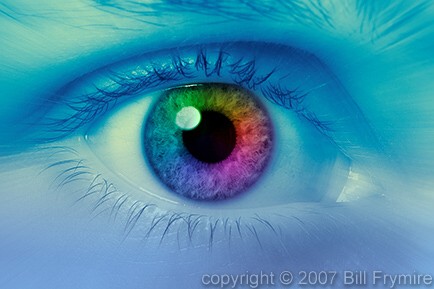
			background: url('http://www.billfrymire.com/gallery/webJpgs/close-up-colorful-iris.jpg')
		}
		.n4:active span,.n4:focus span
		{
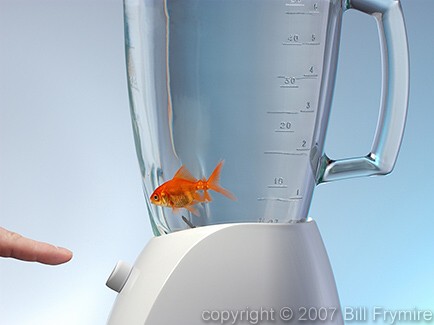
			background: url('http://www.billfrymire.com/gallery/webJpgs/stress-fish-blender.jpg')
		}
		.n5:active span,.n5:focus span
		{
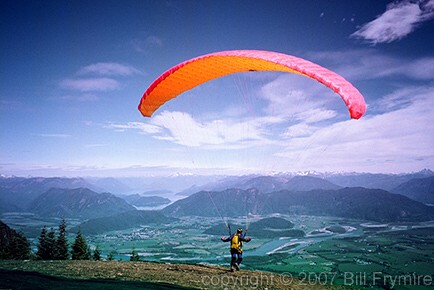
			background: url('http://www.billfrymire.com/gallery/webJpgs/paragliding-valley-sport.jpg')
		}
		.n6:active span,.n6:focus span
		{
			background: url('http://www.billfrymire.com/gallery/webJpgs/hurricane-space-earth-horizontal.jpg')
		}
		.n7:active span,.n7:focus span
		{
			background: url('http://www.billfrymire.com/gallery/webJpgs/world-globe-in-oyster-beach.jpg')
		}
		.n8:active span,.n8:focus span
		{
			background: url('http://www.billfrymire.com/gallery/webJpgs/periodic-table-chemistry-science.jpg')
		}
		.thumb:active span,.thumb:focus span
		{
			visibility: visible;
			background-repeat: no-repeat;
			background-position: center 30%;
			background-color: #f9f9fa;
		}  
            .thumb:active img,.thumb:focus img
		{
			border: 1px #666 solid
		}

		a img
		{
			height: 102px;
			width: 102px;
		}
		span img
		{
			visibility: hidden; 
			width: 490px; 
			height: 320px;
			display: block; 
		}
		h1
		{
			padding: 30px 20px 30px 15px; 
			background-color: #444;
			color: #f0f9ff;
			padding-left: 20px;
		}
		h1 i
		{
		color: #aaff44;
		}
		b.o,b.m,b.x,b.i
		{
			display: block; background: #444; padding-top: 1px;
		}
		b.o 
		{
			margin: 0px 6px
		}
		b.m 
		{
			margin: 0px 3px
		}
		b.x
		{
			margin: 0px 2px
		}
		b.i
		{
			margin: 0px 1px; padding-top:2px
		}
		h2, h2 span
		{
			overflow: hidden;
			font: bold 38pt/1.2em georgia, 'Trebuchet MS';
			position: relative;
			width: 100%;
			text-align: center;
			color: #999;
			background: #444
		}
		h2 span, h2 br
		{
			color: #ddd; 
			top: 0px; left:0px;
			position: absolute; 
			display: block;
			width: 100%;
			height: .575em;
		}
		h1 small
		{
			font-size: 0.5em;
			display: block;
		}
		#botm
		{
			text-align: center;
			width: 100%;
			color: #444;
			line-height: 2em;
			background: #fcfdfe;
		}

		.gallery img
		{
			border: 1px #fff outset
		}
            a
            {
			outline:none 0; 
		}
		#au
		{
			background:	url('http://i35.tinypic.com/xbkdg9.jpg') repeat-x;
			font: normal 11px Tahoma;
			color: #000;
			border-top: 1px solid #ddd; 
			height: 25px;
			line-height: 25px;
			margin-top: 5px
		}
	</style>
<!--[if IE]>
	<style>
	a {outline:expression(hideFocus='true')
	</style>
<![endif]-->
</head>

<body>
<div>
 <b class="o"></b>
 <b class="m"></b>
 <b class="x"></b>
 <b class="i"></b>
<h1>Pure <i>CSS</i> Image Gallery demo<br><small>with <i>on click</i> swap</small></h1> 
 <b class="i"></b>
 <b class="x"></b>
 <b class="m"></b>
 <b class="o"></b>
</div>

<div id="au">
  • Aeneas Dardanus •
</div>

<div class="gallery">
<a class="thumb n1" href="#">
<img src="http://www.billfrymire.com/gallery/webthumbs/dry-drought-arid-dirt.jpg" alt=''><span>
<img src="" alt=''><br>Dried... (Bonneville Salt Flats)</span></a>
<a class="thumb n2" href="#">
<img src="http://www.billfrymire.com/gallery/webthumbs/Sun-Valley-golf-course.jpg" alt=''><span>
<img src="" alt=''><br>Sun Valley, -looks green... (Idaho USA golf course)</span></a>
<br>
<a class="thumb n3" href="#">
<img src="http://www.billfrymire.com/gallery/webthumbs/close-up-colorful-iris.jpg" alt=''><span>
<img src="" alt=''><br>Some Colorful surprise.</span></a> 
<a class="thumb n4" href="#">
<img src="http://www.billfrymire.com/gallery/webthumbs/stress-fish-blender.jpg" alt=''><span>
<img src="" alt=''><br>Feeling safe?</span></a>
<br>
<a class="thumb n5" href="#">
<img src="http://www.billfrymire.com/gallery/webthumbs/paragliding-valley-sport.jpg" alt=''><span>
<img src="" alt=''><br>Watch this...</span></a> 
<a class="thumb n6" href="#">
<img src="http://www.billfrymire.com/gallery/webthumbs/hurricane-space-earth-horizontal.jpg" alt=''><span>
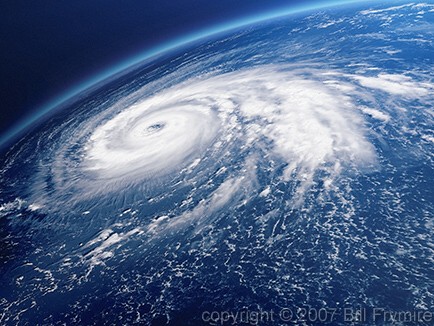
<img src="" alt=''><br>Hurricane or typhoon? -Can't tell - but it's Huge!</span></a>
<br>
<a class="thumb n7" href="#">
<img src="http://www.billfrymire.com/gallery/webthumbs/world-globe-in-oyster-beach.jpg" alt=''><span>
<img src="" alt=''><br>...Some Nut in a shelve</span></a> 
<a class="thumb n8" href="#">
<img src="http://www.billfrymire.com/gallery/webthumbs/periodic-table-chemistry-science.jpg" alt=''><span>
<img src="" alt=''><br>Need some chemistry to start things over.</span></a>
</div>

<div id=botm>
<p><small> Gallery <i>Images</i> are a property of 
<a href='http://www.billfrymire.com' title="you can see more here">bill frymire visuals</a>
 |•|  b.b. Troy III p.a.e. </small></p>
</div>

<div style='border-top: solid 3px #af4; margin:0'>
<H2 title="TROY III"> TROY III <br><span> TROY III </span> </H2>
 <b class="i"></b>
 <b class="x"></b>
 <b class="m"></b>
 <b class="o"></b>
</div>

</body>
</html>

Hi! I love this code and I am using it here: http://karolmunoz.com

However it wont work on Safari and when I add a background images as the defaults it messes everything up and the images start acting strange. I'd appreciate any help. The CSS is external, i'm not sure if that could be it. Thank you!

karolmunoz
Newbie Poster
1 post since May 2010
Reputation Points: 10
Solved Threads: 0
 

Hello troyIII i saw your code and its exactly what im looking for, for my gallery in my site i just have a few questions though
1 - is it possible to edit the CSS code to allow the gallery to be self populating as users upload their images?

2 - how can i edit the CSS code to allow for a text area where people can leave comments under the image once they have clicked on a image and also display all the previouse comments above the text area and below the image. see my example here - example of layout (i apolagise for the nudity but it was the only page i could find with a example of what i meant) this is not my site by any means but im looking to do something similar.

3 - where would i edit the CSS code to allow for my own navigation bar?

sorry for all the noob questions but im fairly new to CSS and to HTML.

unfortunetly i cant share a link to my site as i have not uploaded it yet and i havent got a domain for it yet.

thank you.

Fibinacci85
Newbie Poster
12 posts since Sep 2009
Reputation Points: 7
Solved Threads: 0
 

also whats important is that users must be able to upload their images themselfes and it must appear autamatically in the gallery

Fibinacci85
Newbie Poster
12 posts since Sep 2009
Reputation Points: 7
Solved Threads: 0
 

Post: Markdown Syntax: Formatting Help
You