Google has been quick to blacklist domains implicated, most often unwittingly, in the distribution of what has become known as the SoakSoak malware campaign courtesy of soaksoak.ru being the first domain in the redirection path it used. With 11,000 domains blocked over the weekend, you might be forgiven for thinking that it's another WordPress hosting sites security problem sorted before it can do any harm. However, most experts I have spoken to would seem to agree that 11,000 domains is just the tip of this particular iceberg and the actual number of soaksoak impacts on WordPress specific sites is in the hundreds of thousands spectrum.
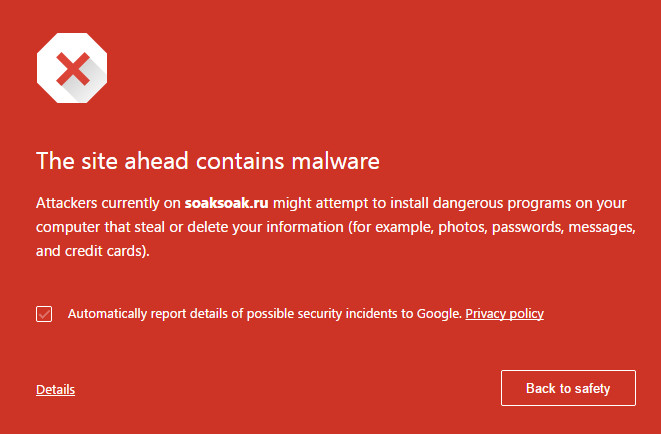
According to security outfit Sucuri, which has been leading the analysis of this outbreak, it would appear that the attack vector can be that Sucuri disclosed some months back now. Unfortunately, as is the way with such things, many WordPress site operators do not seem to have addressed the issue and continue to use premium plugin. This isn't surprising given, as Sucuri points out "it’s not something everyone can easily upgrade and that in itself becomes a disaster for website owner". What's more, the plugin is bundled with themes and so some owners won't even know they have it.
Whatever, the supersoaker effect is quite clear: this is a local file inclusion attack methodology which means that a remote attacker can download any local file they fancy from the target server. In the case of soaksoak itself it would appear that a malicious theme is uploaded to the target site and a backdoor (Filesman) is then injected into the site followed by a secondary backdoor to modify the swfobject.js file itself which ultimately injects the malware which initially had a payload of site redirection to soaksoak.ru. I say initially because the bad guys are quick to morph both payload and attack methodology, so expect to see new redirection targets along with new backdoor payloads. I have heard that some are now being injected into images to help evade detection, for example, while others add malicious admins into the mix to ensure reinfection control if the original malware is not properly removed and the site efficiently cleaned up.
Amichai Shulman, CTO at security vendor Imperva, advises that "the first concern of each organization that uses 3rd party platforms such as WordPress is to make sure all known vulnerabilities of such a platform are virtually patched and that known and unknown application layer attacks (such as the one through which SOAKSOAK was introduced into those sites) are being mitigated at one time."