I have created a CSS solar system. Along the bottom is a list of planets. When you click on a planet name it goes to '#[planetname]speed' this is not set with JS. When you click on a planet's name I want a separate hyperlink (which would be 'info')to add an onClick attribute. If you click another planet's name the onClick attribute of the info link would change. Any help would be appreciated.

Dani AI

Generated

A concise, maintainable approach is to give each planet link a small data attribute that names the modal it should open, and have one unobtrusive script update the Info link's href whenever a planet is selected. This avoids brittle string parsing or a long if/else chain (as suggested) and keeps a sensible no-JS fallback on the Info link for progressive enhancement (as needs).

Example (HTML + plain JS):

<ul id="planets">
  <li><a href="#mercuryspeed" data-modal="mercury" class="planet">Mercury</a></li>
  <li><a href="#marsspeed"    data-modal="mars"    class="planet">Mars</a></li>
  <!-- etc. -->
</ul>

<a id="planet-info" href="#fallbackModal">Info on Planet</a>
document.addEventListener('DOMContentLoaded', function () {
  var planets = document.getElementById('planets');
  var info = document.getElementById('planet-info');

  planets.addEventListener('click', function (e) {
    var target = e.target;
    while (target && target.tagName !== 'A') target = target.parentNode;
    if (!target || !target.classList.contains('planet')) return;

    var modalId = target.getAttribute('data-modal') || '';
    if (modalId) info.setAttribute('href', '#' + modalId);
  }, false);
});

Troubleshooting / notes:

  • Use a data-modal attribute so the code doesn't depend on the planet link's href format. If you cannot change the HTML, the snippet falls back to parsing the href.
  • Ensure the script runs after the DOM (DOMContentLoaded) so the elements exist.
  • If your modal script opens on hashchange but you want to avoid pushing many history entries, intercept the Info link click and call your modal API directly instead of relying on fragment navigation.
  • Add/update ARIA attributes or focus handling if the modal script doesn't already manage accessibility.

This pattern scales cleanly and is easier to maintain than hard-coded if/else logic.

Recommended Answers

All 5 Replies

Are you trying to make a popup div with info in it or are you trying to make it go to a different page? There are a lot of different ways you can do this (assuming I'm thinking the same thing you are), however, it seems to me your trying to do it the hard way. Why not just make separate links for each individual planet instead of trying to make it dynamic. Sometimes static is the best way to go because it makes sure no mistakes will be made and it greatly simplifies things.

If this doesn't help you could you please post a link or an image as to what exactly your trying to do?

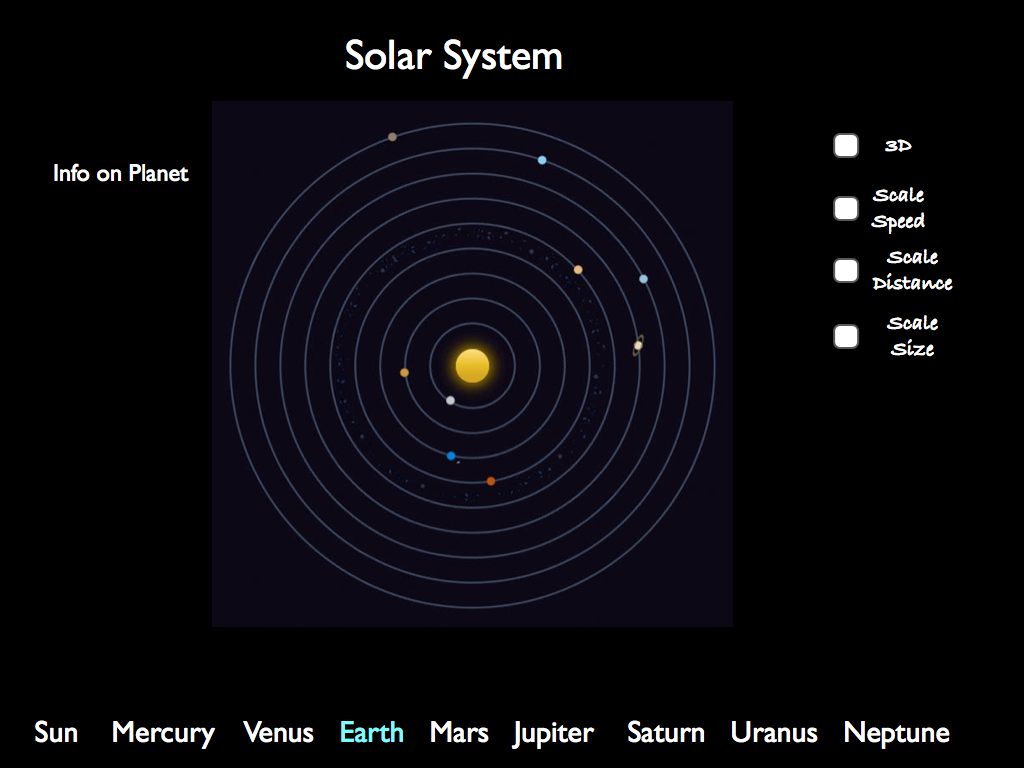
Here's some clarification: (N.B- When you click on a planet it is indicated and tracked, I haven't included this in my plan)
The deafult planet to track is earth:
images.001_
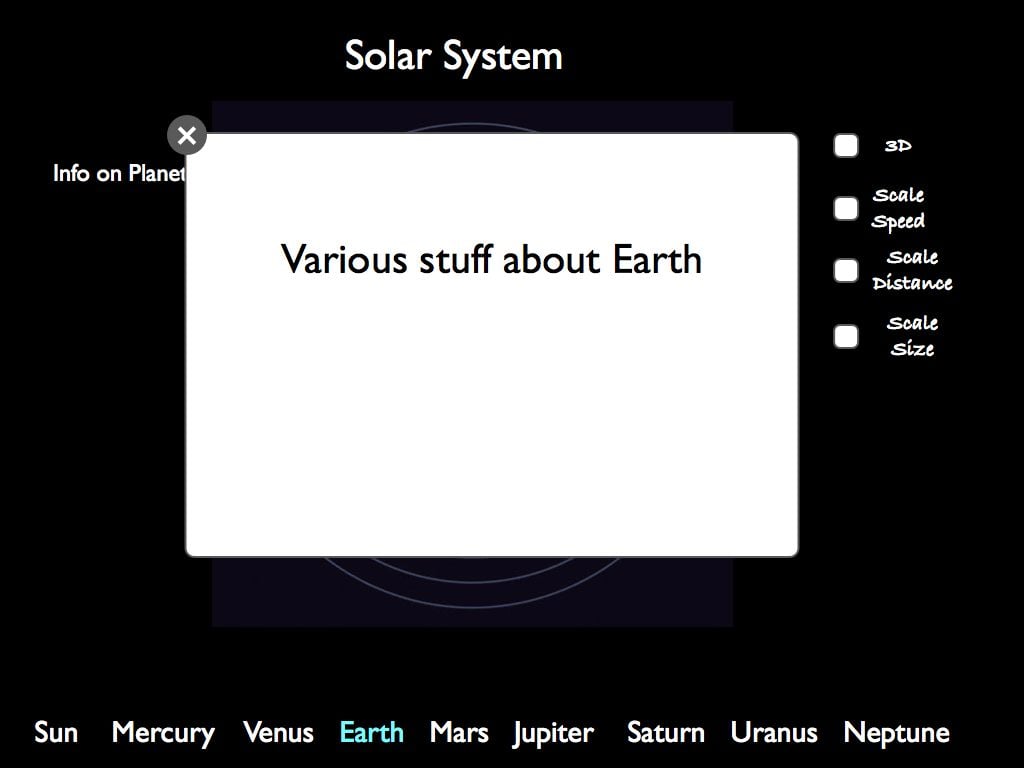
When you click 'Info on Planet' it opens a modal window (I already have the modal script sorted. I've changed it to one where it gets launched by going to a # value. I now only need to change the href attribute not onClick):
images.002_
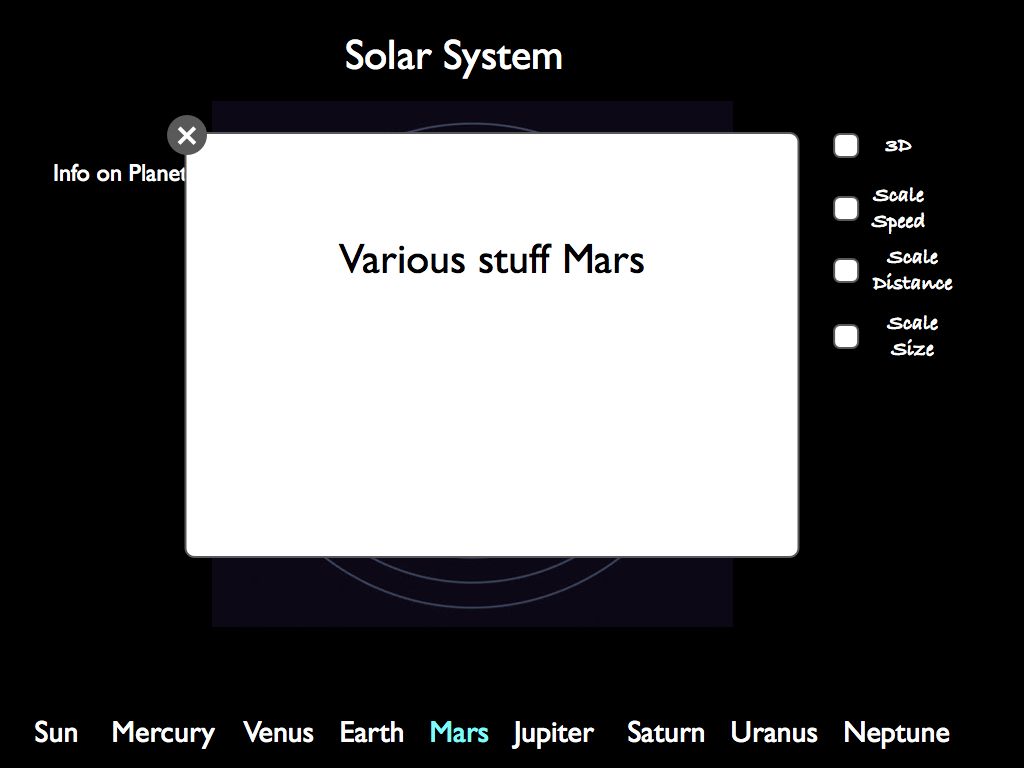
But if I change the planet to track to Mars and click the link again:
images.003_
It now displays info on mars. Each planet's modal is launched by going to #planetname.

Thanks for your quick response

Your going to have to use javascript to change the modals you have that are appearing in the middle of the page. I'm assuming this is most of what your refering to. You can use some dynamic javascript along with css to show and hide multiple different layers and have them appear when you click a link without reloading the page.

To be honest I'm not 100% sure what your asking about but maybe I'm just overthinking it it.

What I'm not sure about is the actual script to change the href of the info link. The modals and everything else is covered.

All you would need to do is a simple if-else statement within javascript. Basically if A is clicked then the modal shows A. If B is clicked then the modal shows B. etc...

dynamicdrive.com is an excellent javascript resource. Since I'm not proficient I can't help you much there.

Be a part of the DaniWeb community

We're a friendly, industry-focused community of developers, IT pros, digital marketers, and technology enthusiasts meeting, networking, learning, and sharing knowledge.