Hi there,

I've had my Macbook Pro for around 4 years and not encountered any problems till last night. It all appeared to be triggered when I was watching a Youtube video. The video froze whilst I could still hear the sound of the video in the background. I restarted my web browser.

Everything seemed to crash all at once. I took some pictures of what happened to the screen below. My MacbookPro will now no longer start. It starts but the poor thing doesn't make it to my desktop. A friend told me it may be a problem alluding to my Graphic Card. I have a feeling it may have some kind of pesky 'bug' which has disturbed it greatly. I would welcome your advice.

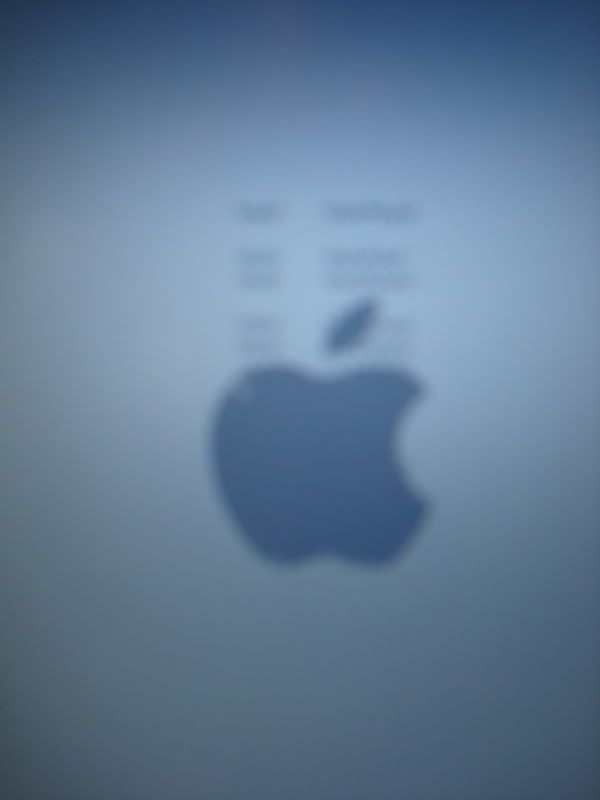
http://img.photobucket.com/albums/v83/anti_everything/DSC04338.jpg
As you can see upon start up there are these very strange 'scribbly' lines that appear above the apple sign which I've never encountered before.

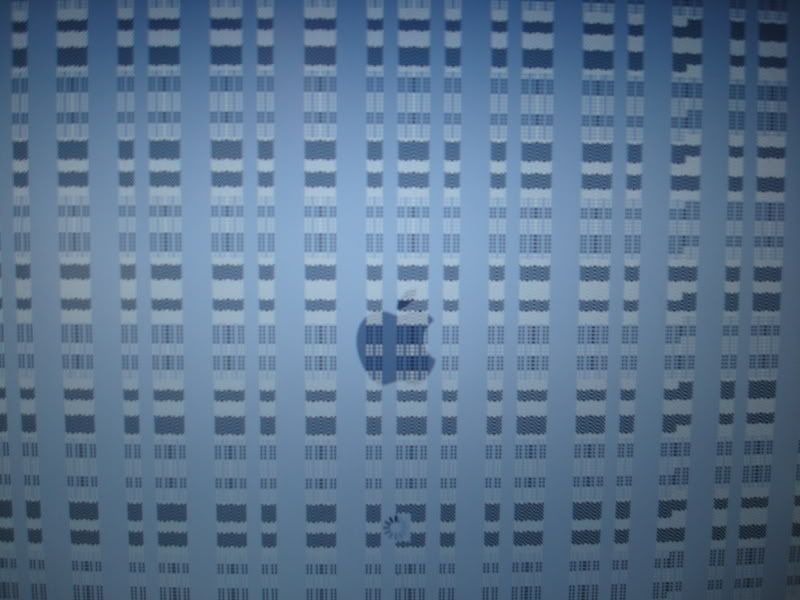
http://img.photobucket.com/albums/v83/anti_everything/DSC04339.jpg
I've never seen this happen before ever... quite scary. No idea what was happening. Whilst my desktop was crashing similar squares began to appear all over my screen...

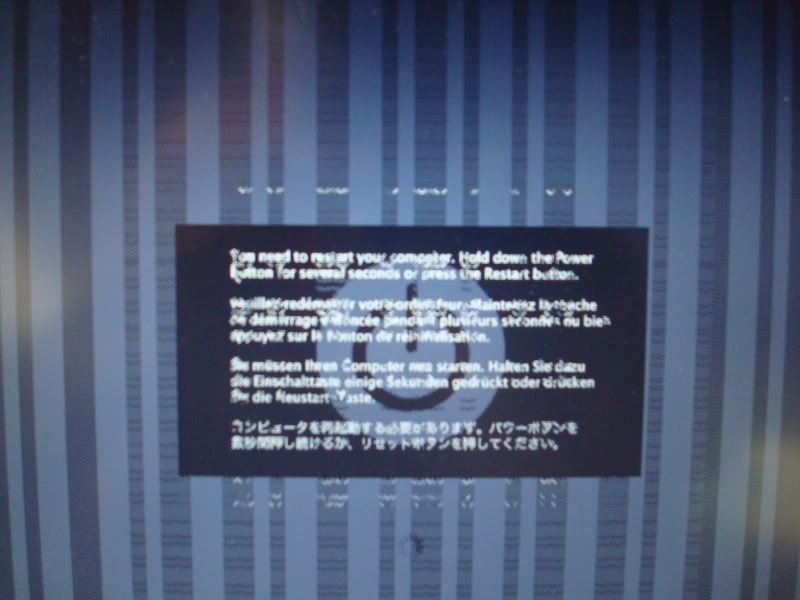
http://img.photobucket.com/albums/v83/anti_everything/DSC04336.jpg
I've tried a number of things. Including restarting but as I mentioned earlier I'm unable to make it to my desktop, it just appears to continuously crash upon start up.

Also i tried the PRAM reset but it just beeps starts shuts down and then repeats itself. I also tried holding down Shift (safe boot) when starting but nothing happens.
My install disks are in the UK, I return on 24th Aug.

I'm at a loss as to what to do. Only thing is to visit the Apple store. However currently I'm in Singapore and they don't have one here, they have some third party stores which fix mac problems which I'll head down to this weekend but was hoping someone may have some idea as to what happened here...

Thank you immensely, eternally grateful for your wise words.

Dani AI

Generated

Brief assessment tied to the images posted by : the boot-time artifacts (scribbles and blocks) strongly point at a problem in the graphics/display subsystem rather than a simple userland crash. Posts from , and cover several possibilities; the following triage focuses on non-destructive checks, data protection, and how to tell whether the fault is the LCD/cable or the GPU/logic board.

Recommended non-destructive triage (in order):

  • Reset the SMC appropriate to the machine type (removable-battery and non-removable-battery procedures differ). This is a system-level reset that can clear power/boot oddities without touching data.
  • Attach an external monitor with the correct cable for the MacBook model and power on. Clean output on the external display with artifacts on the internal panel indicates an LCD or display cable/connector fault; identical artifacts on both internal and external displays strongly implicate the GPU/logic board.
  • Preserve user data before any repair work. Attempt Target Disk Mode (the correct cable depends on model: FireWire or Thunderbolt) to mount the drive on another Mac, or remove the drive and image it with a SATA-to-USB adapter/enclosure. Request a full image/clone rather than letting a shop begin board-level repairs first.

Practical repair guidance and cautions:

  • If diagnostics point to the logic board/GPU, request a written diagnosis and a parts-and-labor quote. Compare that cost to replacement value. Third-party "reflow"/board work can be a short-term fix but is not guaranteed; insist on a warranty for any repair.
  • Record the Mac serial/model and the failure images/videos; this helps Apple Authorized Service Providers or independent shops confirm the fault and check for any model-specific repair programs.

Priority: secure the drive (image/backup) first, then pursue the most cost-effective repair path.

Recommended Answers

All 5 Replies

The symptoms you mentioned above point clearly to a graphic card problem but we should not make a rash decision first. There are still some steps you can try. Do you still have the installation disk, if yes, insert the disk into your macbook pro and hold down the c button. See whether you can start up?

Hold down F2 when you start up to see whether you can do a hardware test. If you use an intel macbook, hold down D when you boot up.

Have you installed any new softwares or change your hardware parts recently?

Edit:

Sorry i did not know your install disc were in the UK. Welcome to Singapore buddy, I am a Singaporean here. Singapore do have Apple Store. Go to the websites and check to see their locations. By the way what is your macbook version?

well another proof that macs are vulnerable to malfunction, what you have is a problem with the video card, wich is causing a KP (kernel panic) i suggest yu to take it to a nearer technician who knows how to fix this problem, a real technician, apple technicians suck, basically it only needs the memory to be resoldered, this happens due the NVidia graphics chips, it happens all the time, be cool it can be fixed, cheers.

Oh yea, that's a kernel panic. One of the more elusive problems to resolve. You do not mention what plugin you were using to watch your video. Best bet would be to use you install disk and start up from there, but considering that you have not responded, you cannot find them. Don't panic, at least, not yet.
Try starting up your system holding down the F key on startup. This will shutoff all third party extensions. This is what usually causes kernel panics beside someone mucking around with the system files. Should the system come up ok, it is time to uninstall any third party extensions that you have installed. Whatever software you were using to watch that video is a good place to start. In some cases it might not need to be taken off of your system, but upgraded to the newest level. Go to their website and download their newest package ands install it. Reboot in the normal fashion and see if it works.
It truly is a hit and miss procedure and it is a matter keep on trying. You state that your machine is 4 years old so it probably came with Leopard and possibably you have upgraded to Snow Leopard. If you haven't so, I strongly recommend it. The disks were $30 and you probably can find one cheaper. This time put it in a safe place that you would remember because you never know when you will need it!

@ macmad

In case you have not seen this. The original poster seems to get the answers he needed already. But nice answer you have given. It is even better than posters in the mac-forums website:D

No, it is not a plug-in matter, its hardware, video card memory, i say this because i have seen the same problem in other computers.

Be a part of the DaniWeb community

We're a friendly, industry-focused community of developers, IT pros, digital marketers, and technology enthusiasts meeting, networking, learning, and sharing knowledge.