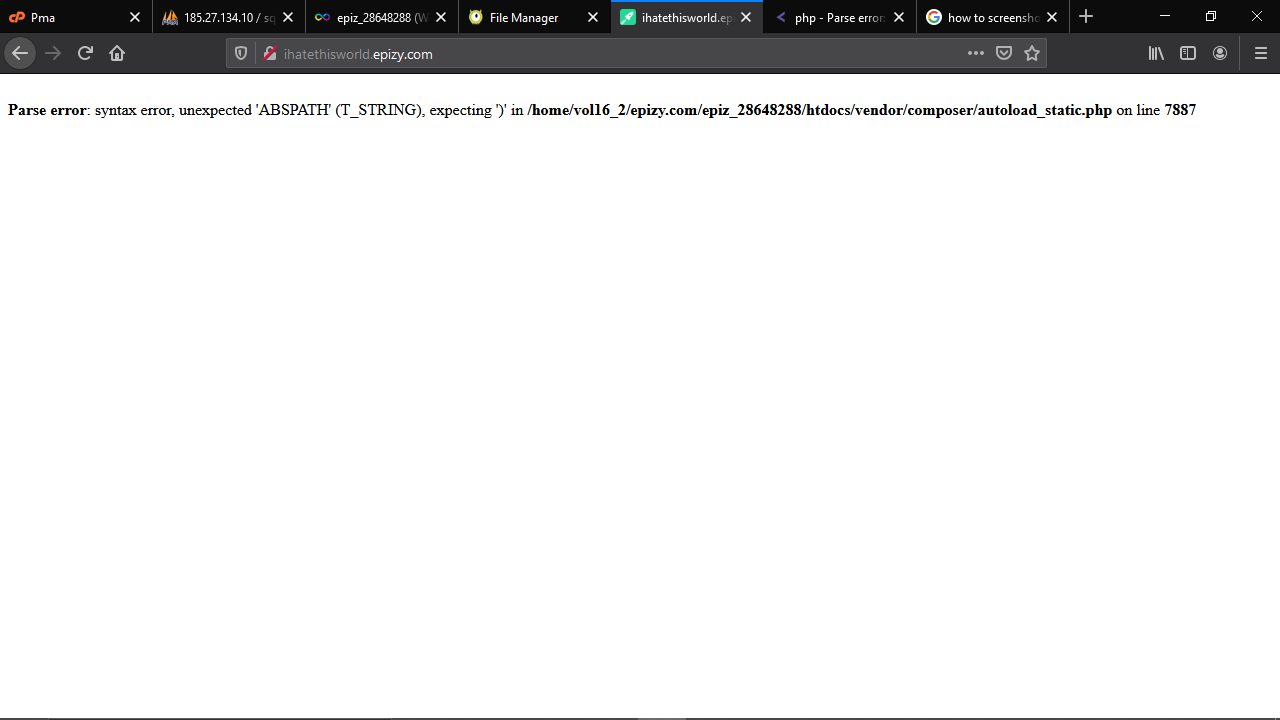
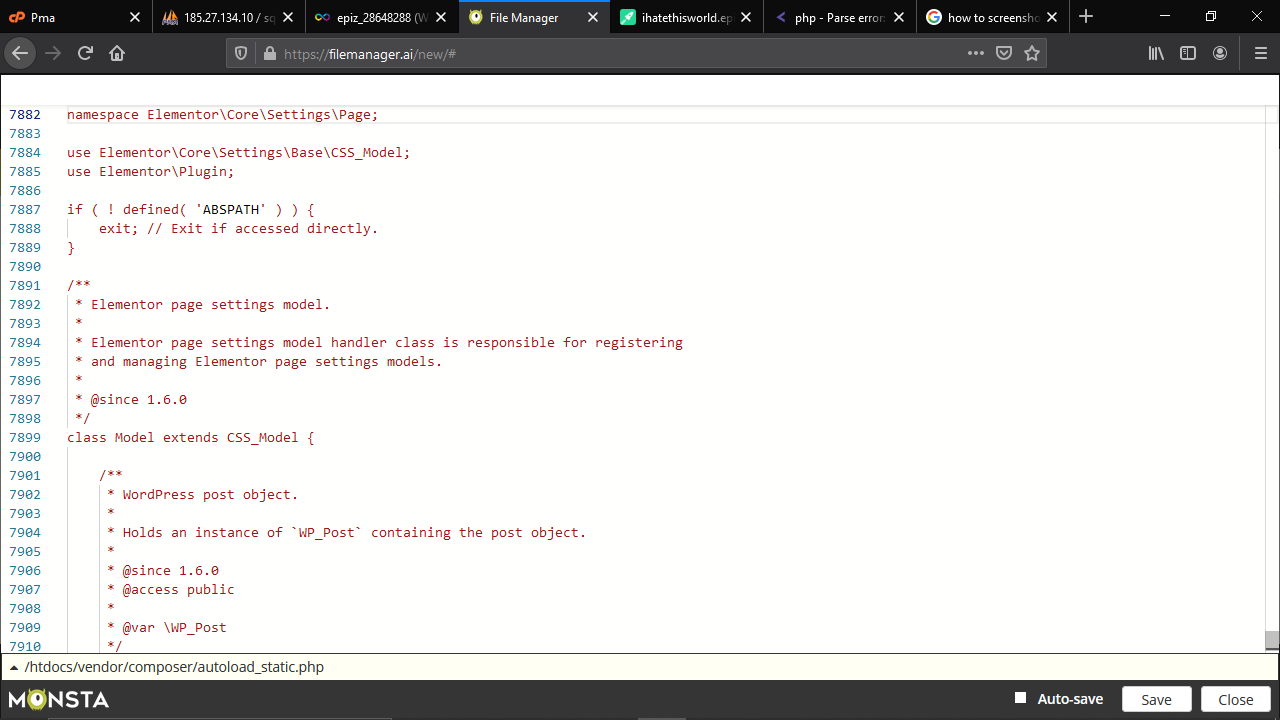

— the screenshots point at code that is trying to use the WordPress constant ABSPATH. 's checklist (inspect nearby syntax; log the value) is exactly the right first step, and is correct that ABSPATH must be used as a PHP constant (no surrounding quotes). Modern PHP will warn or even throw an Error for undefined bareword constants, so always check for ABSPATH before using it. (github.com)
Practical checklist (quick, order-of-operations):
php -l filename.php and inspect the few lines above the reported line for a missing semicolon, stray quote, or a missing <?php tag.ABSPATH is defined before use. The common safe pattern (used in WordPress sample config) is to define it only when not already defined:if (!defined('ABSPATH')) {
define('ABSPATH', dirname(__FILE__) . '/');
} defined('ABSPATH') before echoing or concatenating it:if (defined('ABSPATH')) {
var_dump(ABSPATH);
} else {
var_dump('ABSPATH not defined');
} Keep debug lines short-lived and avoid defining ABSPATH inside plugins or theme files that expect WordPress to be bootstrapped; let the WP bootstrap define it. See the WordPress sample config and the PHP defined() documentation for details. (github.com)
Common parse-causes to double-check: a missing concatenation operator when building paths (use ABSPATH . 'path/to/file.php'), stray or mismatched quotes on the previous line, or accidental inline HTML before <?php.
Jump to Post— rproffitt 3,266My debug methods would be:
- Check my syntax at and around that line.
- Echo/print/log the ABSPATH value at about line 7886 to see what it is.
- Add PHP to your tags (I'll try to add this for you.)
My debug methods would be:
ABSPATH is static, right? Remove the single quotes around it and that should do the trick.
We're a friendly, industry-focused community of developers, IT pros, digital marketers, and technology enthusiasts meeting, networking, learning, and sharing knowledge.