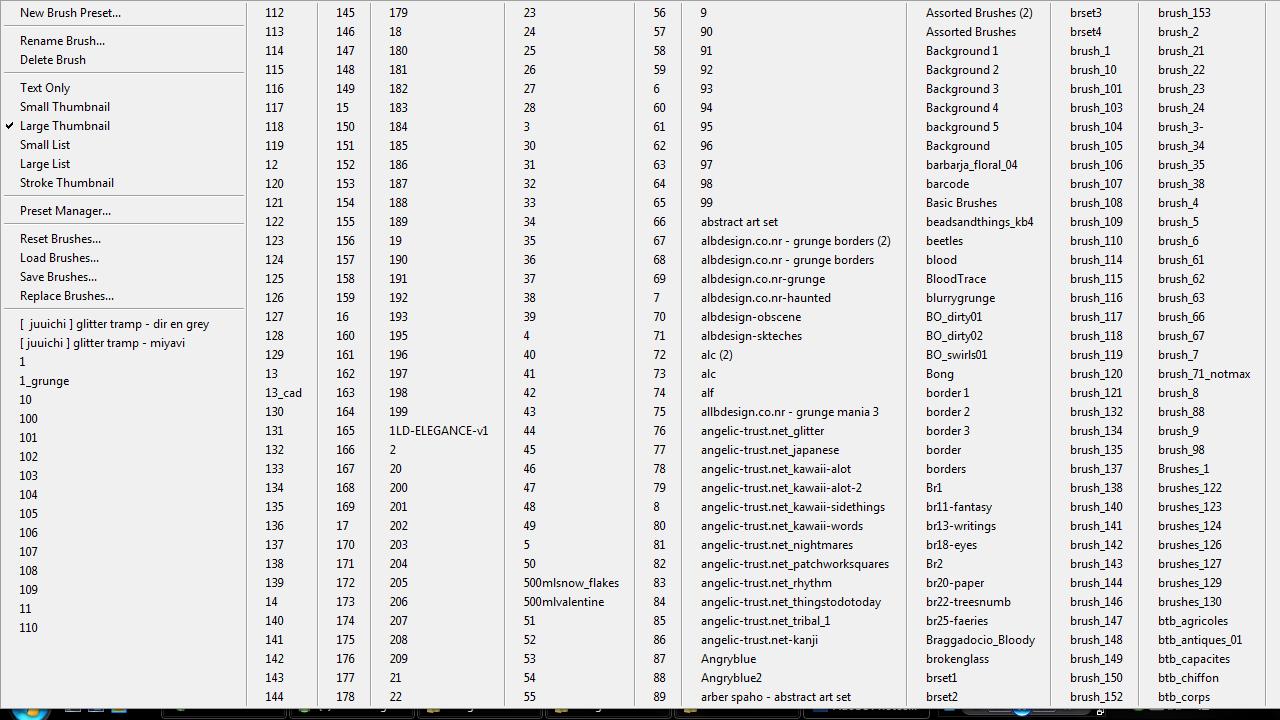
First of all i m sorry if i m in the wrong thread
can someone tell me what i can do to my brushes i cant view all of them
First of all i m sorry if i m in the wrong thread
can someone tell me what i can do to my brushes i cant view all of them
Hi — quick question before troubleshooting: are you in Illustrator or Photoshop, and which version? The Brushes (or Brush Presets) panels behave differently between apps and versions, so that detail will help.
Short, practical steps that address what and touched on:
Keep a backup of original brush files before merging. If the panel still acts oddly after these steps, quit and restart the app and post your app/version plus a screenshot of the Brushes panel and we will give exact, version-specific instructions.
Jump to Post— HI2Japan 23Can you set a higher reslution on your computer display?
Can you set a higher reslution on your computer display?
hmm hi2 i have these problem too infact after i paste all my friends brush into mine = = stupid idea. can u suggest a way of managing it ? the current solution i think of is to open 1 by 1 and append and the compile but how can i get rid of example "1" after i append it to my new brush set ?
I haven't had to deal with it since I reloaded my PC, but when I used Illustrator CS2 before with a lot of brushes, it automatically would stagger the brushes back and froth across the screen. I'll go try to load up a bunch and get back to you.
thx hi2
We're a friendly, industry-focused community of developers, IT pros, digital marketers, and technology enthusiasts meeting, networking, learning, and sharing knowledge.