At least 55,000 Twitter accounts would appear to have been compromised in a breach perpetrated by members of the Anonymous hacking collective. Details of the accounts, including usernames and passwords, appeared across a total of no less than five pages at Pastebin yesterday.
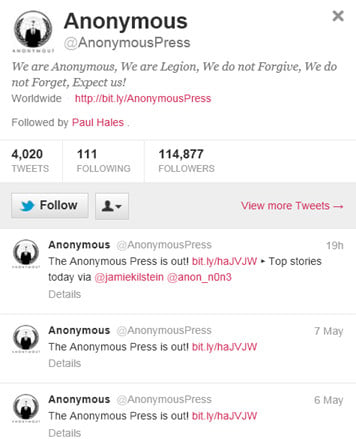 However, appearances can often be deceptive, and that may well apply here when you take a more detailed look at the accounts in question. The lists of usernames are not all currently active accounts for a start, indeed the majority seem to be accounts that have previously been suspended by Twitter for spamming infractions at the social networking meets micro-blogging site.
Furthermore, around 20,000 of the 55,000 accounts listed are duplicates, bumping up the impact over and above what it would otherwise have been. Not that 35,000 compromised Twitter accounts would not be a cause for concern; obviously any breach is something to be avoided at all costs. But if the published lists are comprised mainly of previously suspended spambot accounts, duplicate entries and fabricated ones then it starts to smell more of hacktivist marketing ploy than genuine attack scenario.
Wait a minute, fabricated ones did I just say? Yep, as according to Twitter, which is currently looking into the incident and has sent password resets to live accounts which are listed, the 'breach' may not be anything of the kind as many of the non-suspended accounts have incorrect passwords accompanying them.
We will have to wait until the internal Twitter investigation is complete to find out what really happened here, and as of the time of writing Anonymous are not making any great claims about the hack either.
In the meantime, DaniWeb suggests that you follow good social networking site security practise and change your password regularly, and ensure that the password you use is a strong one containing a mix of upper and lower case characters, numerals and special characters.
If you are worried that your account may have been compromised, or find that you are locked out of your account, then you can request a password reset from Twitter in the first instance and if this still doesn't help, then customer support will help further if you choose the 'hacked account' option when contacting them.
Please refer to this Twitter help page for more details if you are worried about the security of your Twitter account.
