Hi all,

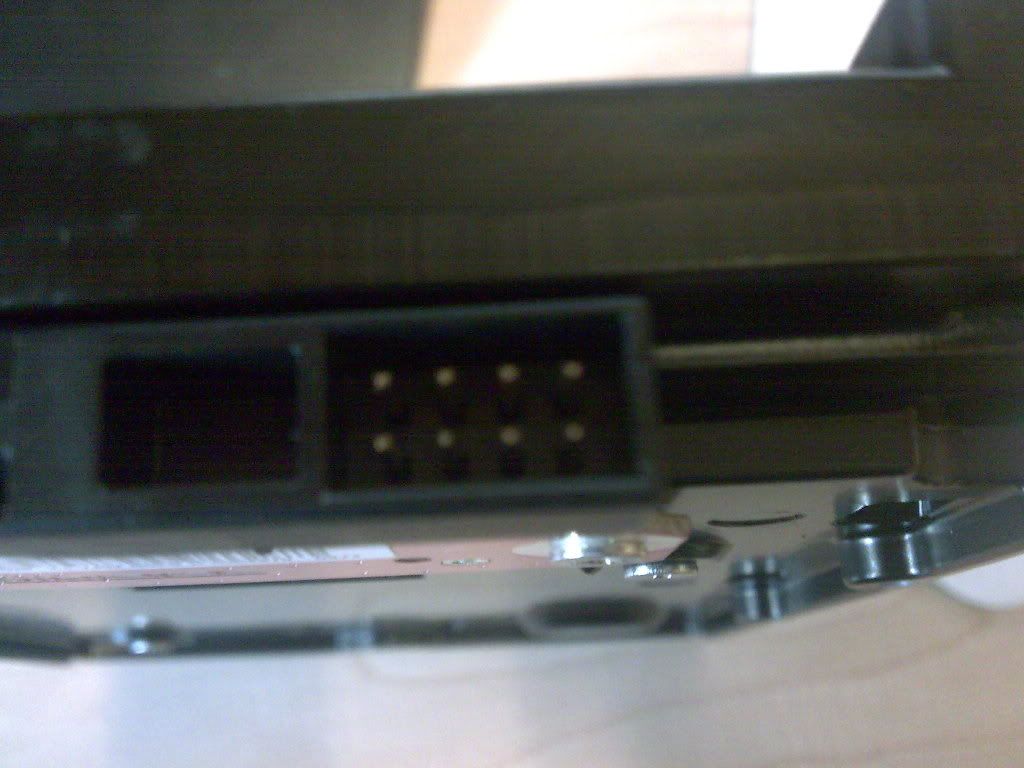
I just bought a new 300gb WD velociraptor HDD, I opened up the box and to my surprise there where more than just the two plugs I was expecting, there is another plug with 8 pins and I'm not sure what I need to plug into it or even whether I need to use it at all.

Here are some pics of it, if anyone could tell me what I need to do with it that would be great (Sorry about bad picture quality, can't find my camera so I just used my phone)


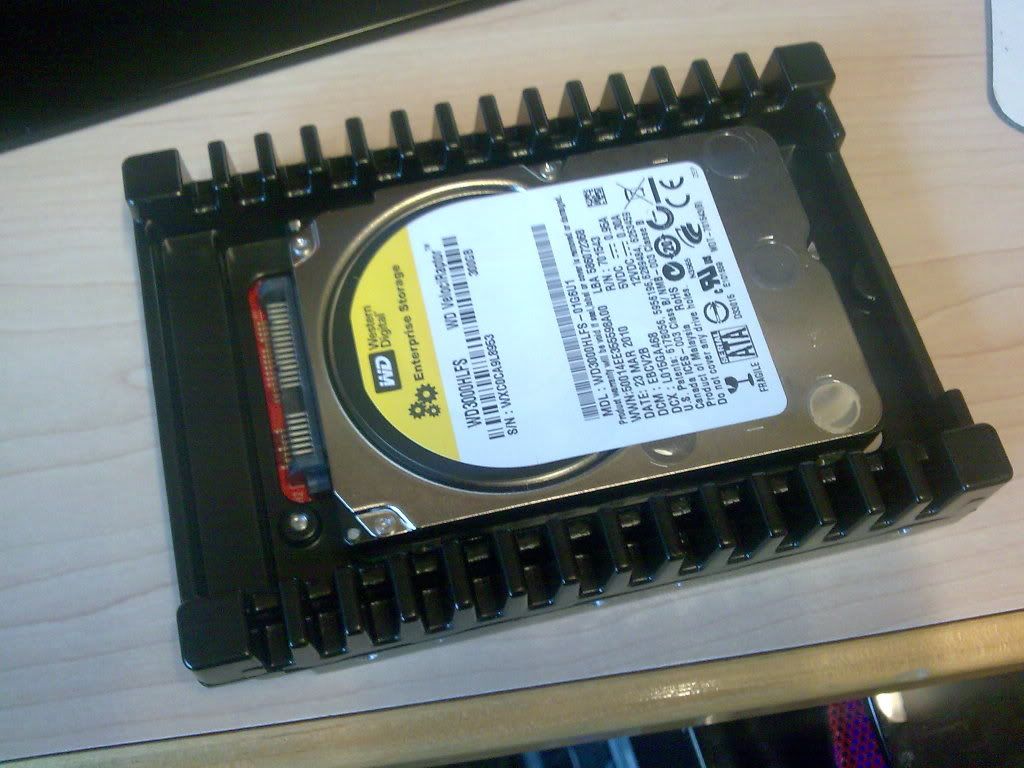
HDD

Side View of HDD

Plug I'm not sure about:

Dani AI

Generated

The eight‑pin header on the VelociRaptor’s PCB is a factory/service/test header rather than a standard user connector. Before attempting to probe or attach anything to it, identify the drive precisely and treat the header as an internal interface to avoid damage or voiding warranty.

A short checklist to confirm the header and proceed safely:

  • Note the full model and part number from the drive label (not just "VelociRaptor"). Use that exact string when looking for WD technical/spec documents or support articles.
  • Inspect the PCB silk‑screen: headers used for factory tooling are usually labeled Jx, TP, or have tiny silkscreen numbers; the pattern and nearby components can hint at test/programming use.
  • With the drive unpowered, use a multimeter to check continuity from each pin to chassis ground and to the SATA power/data connectors. Do not apply external voltages to the header.
  • Install the drive using only the standard SATA data and SATA power connectors first. If the drive spins and the BIOS/OS sees it, there is no need to use the extra header.
  • If the drive is not recognized, troubleshoot standard items first: different SATA port/cable, known‑good power connector, and check BIOS settings. If problems persist, stop probing the header and contact WD support or a qualified data‑recovery/service provider.

Thanks to and for the early observations — the practical path is to avoid the unknown header unless you have documentation or vendor guidance. Final cautions: use ESD precautions, avoid shorting or bridging pins, and do not attempt to power the header from another source unless you have explicit pinout and voltage info from WD.

Recommended Answers

All 2 Replies

don't worry about it you don't need to use it .to my knowledge it a jumper pins set ,in case you use a ide to sata cable on the drive .

Yep... It's just a jumper block. Sometimes those are there to change certain functions, like SATA 1.5 operation, or to limit the capacity of a drive for compatibility reasons. Usually on a SATA drive you don't need to worry about them.

And they don't actually make IDE to SATA cables that would use those jumpers. Usually SATA to IDE adapters will just default the drive to Master, or Cable Select, if you can hook it to an IDE cable.

Be a part of the DaniWeb community

We're a friendly, industry-focused community of developers, IT pros, digital marketers, and technology enthusiasts meeting, networking, learning, and sharing knowledge.