My monitor is being plagued by strange discoloration at the very top of the screen. Its a Samsung syncmaster 171N LCD.

Does anybody recognize this problem/know anything I can do to fix/improve it?

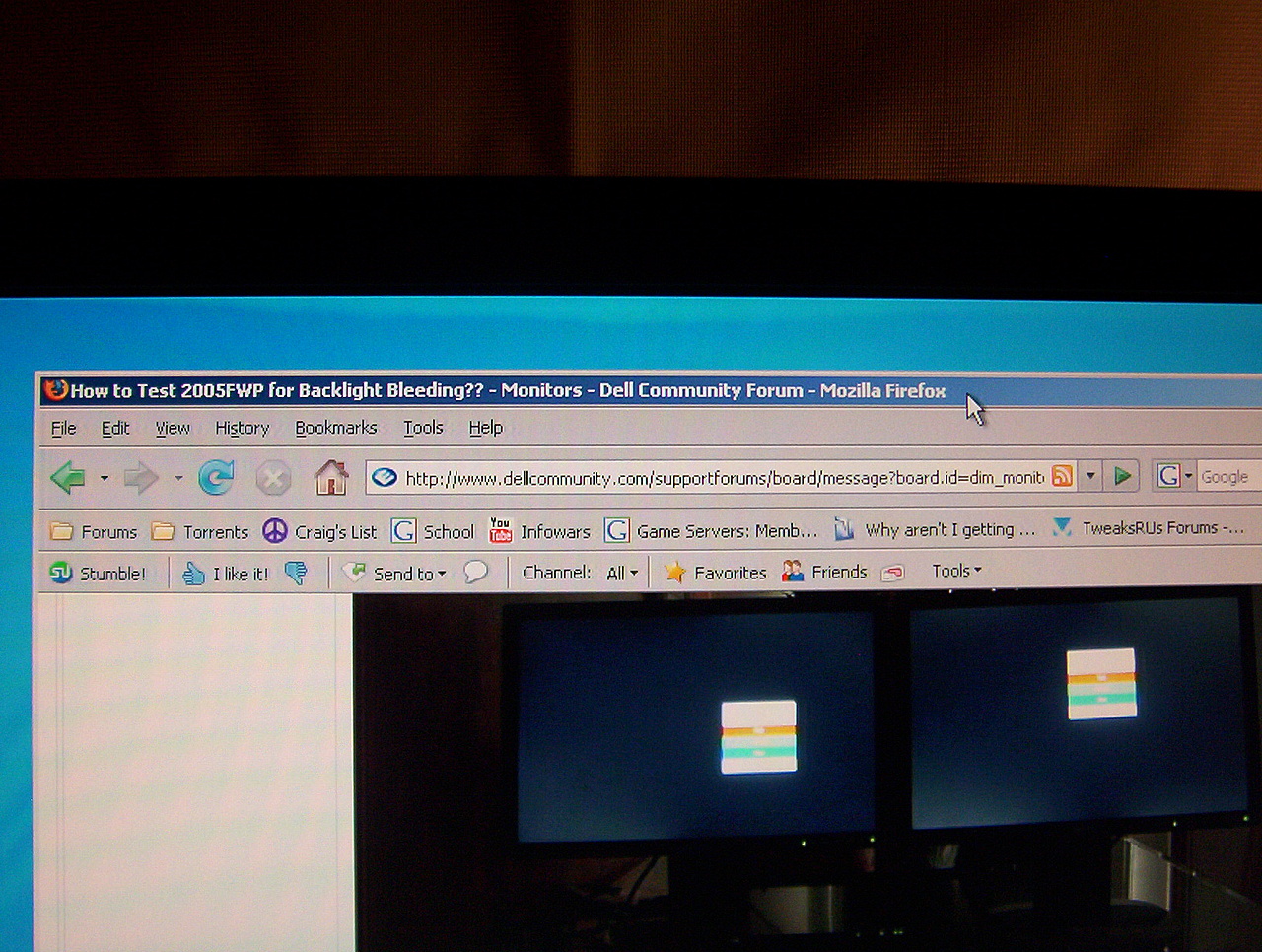
Buying a new monitor is out of the question, so I'd least like to know what is going on here. The problem can best be described as a blotchy lighter area at the top of the screen. The size varies, somedays it will be an inch or more down the screen, today its only about a quarter inch. Thanks for any help, please see the attached images.

By the way, the area of discoloration has a very distinct edge, so its not backlight bleeding. Its almost as if a liquid got in at the top there and is seeping down. Also, this is a recent problem, it did't used to have this.

And one more thing that might help you diagnose: This area is prone to retaining images after they are gone. This only occurs in the discoloured area. For example, If I am browsing the web for several hours and then decide to play counter-strike, I can still see "shadows" of the text from the Firefox titlebar lingering at the top of the screen for quite some time while Im in the game.
Dani AI

Generated

A short expert summary and practical next steps based on the thread: described a distinct, blotchy lighter area at the top of the panel that sometimes holds "ghost" images; suggested degaussing (which applies to CRTs and not flat-panel LCDs). That combination — a localized discoloration plus region-specific image persistence — usually indicates a panel-level issue rather than a simple backlight or driver glitch.

Possible causes and how to check them:

  • Panel damage/pressure marks, delamination or contamination between layers can create a sharp-edged bright patch and impair liquid-crystal response in that region.
  • Driver/voltage faults affecting a strip of the matrix can also produce localized misbehavior.
  • Backlight problems tend to look like uniform edge glow and do not cause persistent ghosting.

Practical isolation and remediation steps you can run before any service call:

  • Run full-screen solid-color tests (white, red, green, blue, black). Note which colors show the blotch and whether the color of the blotch changes.
  • Display a moving image or a full-screen video; if the ghost stays fixed to the screen, the panel is at fault. If it moves with the image, test the GPU/cable.
  • Open the monitor OSD menu; if the OSD shows the same discoloration, the issue is inside the panel.
  • Swap cables and try a different PC/video output to rule out the source.
  • For image persistence only (no visible panel damage), try long color-cycling utilities or leave a full-black screen for many hours to see if the ghosting fades. Do not physically press, heat, or open the monitor while under warranty.

RMA and documentation tips:
Photograph and record short video evidence of the problem running through the test patterns, note serial/purchase date, and include these with an RMA claim—this reduces back-and-forth. For background on temporary LCD image retention, see Image persistence.

Recommended Answers

All 3 Replies

It looks like a degaussing problem, do you have a speaker near the monitor?

It looks like a degaussing problem, do you have a speaker near the monitor?

Thanks for the reply, its an LCD though. Degaussing deals with the magnetic fields in CRTs, and LCDs have no such fields.

At any rate, there's a month left on the warranty and Samsung has agreed to RMA it, so its all good.

Yeah...I did miss the obvious there. You are right, degaussing would only apply to a CRT type monitor.

I'm glad to hear that it is still under warranty, it does sound lie the problem is with the monitor. Let us know how the new one works out.

Be a part of the DaniWeb community

We're a friendly, industry-focused community of developers, IT pros, digital marketers, and technology enthusiasts meeting, networking, learning, and sharing knowledge.