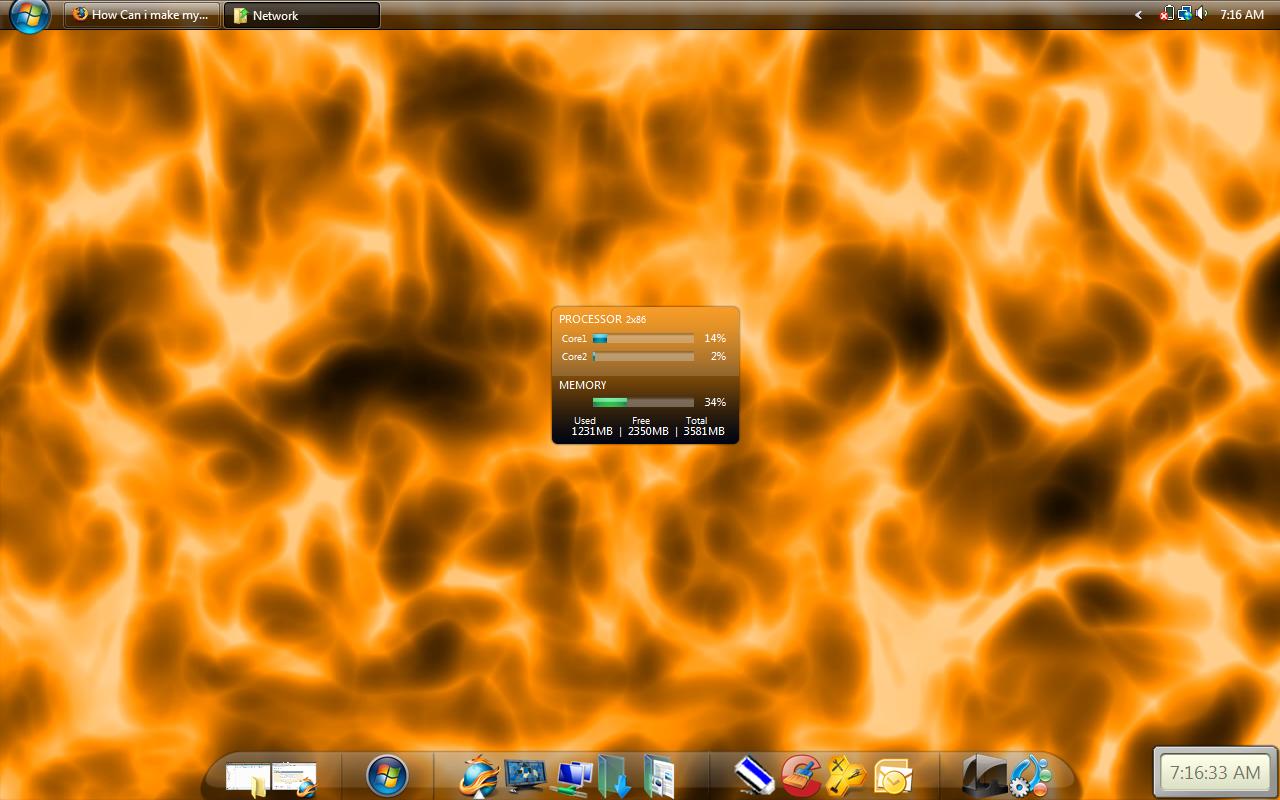
specially the icons part... :) thanks

Dani AI

Generated

This thread’s goal — making Windows look like a Mac, with emphasis on icons — can be approached safely or riskily. Community suggestions range from light cosmetic tweaks to deep system replacements: posted a how‑to, pushed a dock and taskbar move, while and reported installations that broke Windows and warned about performance cost. The safest results come from user‑level changes rather than patching protected system files.

Icon guidance (practical, low‑risk)
Desktop and folder icons are best replaced with proper .ico files that include multiple sizes (include a 256x256 image for modern scaling). Converters or an icon editor create multi‑size .ico files from PNGs. Desktop icons are changed through Personalization -> Change desktop icons; shortcut and folder icons via Properties -> Change Icon. File‑type icons require changing the file association or using an installer that does not replace system DLLs.

Visual tweaks and behavior
A dock emulator and moving the taskbar produce the Mac silhouette without deep hacks. Many visual engines that try to mimic macOS behavior do so by altering protected files — those are the changes most often blamed for crashes and uninstall problems mentioned above. Tradeoffs: richer effects mean more RAM/CPU and higher failure risk.

Precautions and basic fixes
Always create a System Restore point or full image before any theme work. If icon rendering breaks, rebuilding the icon cache usually helps; from an elevated command prompt:

taskkill /f /im explorer.exe
cd /d %localappdata%\Microsoft\Windows\Explorer
del iconcache_*.db /a
start explorer.exe

If system integrity looks compromised, run:

sfc /scannow
DISM /Online /Cleanup-Image /RestoreHealth

Summary: prefer non‑invasive icon swaps and a dock emulator for a Mac look; reserve system‑level theming for test environments only, and heed the uninstall/repair warnings raised by , and .

Recommended Answers

All 8 Replies

Warning - My Brother did something like this on Vista and i had to reinstall the OS.

Cohen

lot of themes packs are available...google it

hey man, try the objectdock from stardock, its free and is very functional on top of looking great. then move your task bar to the top of the page. I have done this because it works better not because it looks more like a mac, but hey, whatever floats your boat.

Making a pc look like a MAC is much easier than making it work like a MAC. I'll assume you are seeking more than aesthetics...

Steven woodman is right, stardock has some products for this. Most all of them are really good too, but be forewarned that you will need extra processor and ram to devote to these application.

I have to say that running the window blinds and object dock both at once take a semi-powerful pc, and if you ever run across another Mac dock for the PC (I forget the brand, but it was not stardock) -- avoid it unless you have 16 gb of ram.

To make a long story short, you might consider buying a MAC instead of installing a handful of cpu intensive (& expensive) apps to hide the fact it is a PC :)

I did it on my computer,regret a lot,becouse it messet up up dll32,eventually it crashed and i couldnot uninstull properly.Not a big help,but i would not advice it...

specially the icons part... :) thanks

If you like a MAC that much, why don't you just buy a MAC,

Mac is more expensive than normal PC I think...
It seems that Stardock is ok, but errors happen sometimes.

Be a part of the DaniWeb community

We're a friendly, industry-focused community of developers, IT pros, digital marketers, and technology enthusiasts meeting, networking, learning, and sharing knowledge.