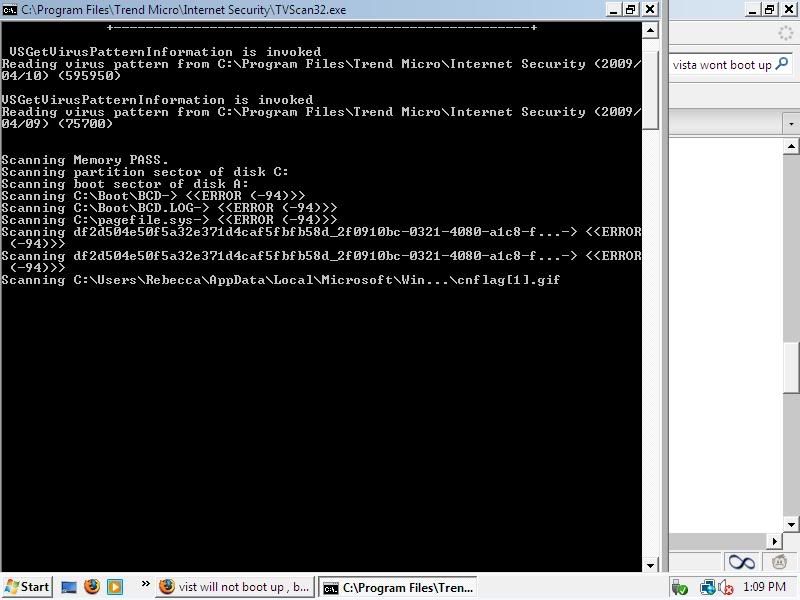
okay well i have to admit i downloaded somthing and it messed up mu computer. now i cant get onto vista only in safe mode. it will load and go to right before the users pager/ welcome page and it will stay black, somtimes it will restart itself.. i cant do a system restore because it wasnt set up, and i didnt no that .. so what can i do ?
would a viruse scan help or what ? im really confused..:confused:

Dani AI

Generated

Since reported Vista only starts in Safe Mode and then stops at a black screen before the user/welcome page, the problem is most often a startup/service/driver conflict, a replaced or broken shell (explorer.exe), or malware that hooks the logon process. ’s suggestion to remove the harmful program is a good first step, but it should be combined with scans and system repairs because some infections hide in startup entries or change registry values.

Immediate checklist to run from Safe Mode (with Networking if needed):

  • Back up personal files to an external drive before making changes.
  • Run a full, up-to-date anti-malware scan (an on-demand scanner such as Malwarebytes plus your AV).
  • Disable unknown startup items (use msconfig or Sysinternals Autoruns) and uninstall recently installed programs you don’t trust.
  • If the display driver may be failing, uninstall the video driver in Device Manager and reinstall the correct driver after reboot.

Run these repair commands from an elevated Command Prompt (in Safe Mode or from the Recovery Environment):

sfc /scannow

chkdsk C: /f /r

sfc /scannow /offbootdir=C:\ /offwindir=C:\Windows

Check the Winlogon registry values before editing: open regedit and go to
HKEY_LOCAL_MACHINE\SOFTWARE\Microsoft\Windows NT\CurrentVersion\Winlogon. Confirm Shell is explorer.exe and Userinit is C:\Windows\system32\userinit.exe, (export the key first and only change values if confident). Creating a new local administrator account in Safe Mode can determine if the problem is a corrupted user profile.

If those steps fail, try Last Known Good Configuration (F8), run Startup Repair from the Vista DVD/Recovery media, or perform a repair install. If unsure about registry edits or rootkit removal, professional help or a clean install after a complete backup may be the safest route.

Recommended Answers

All 2 Replies

If it will boot up in safe mode then remove and uninstall the harmful file or program. . ?

Be a part of the DaniWeb community

We're a friendly, industry-focused community of developers, IT pros, digital marketers, and technology enthusiasts meeting, networking, learning, and sharing knowledge.