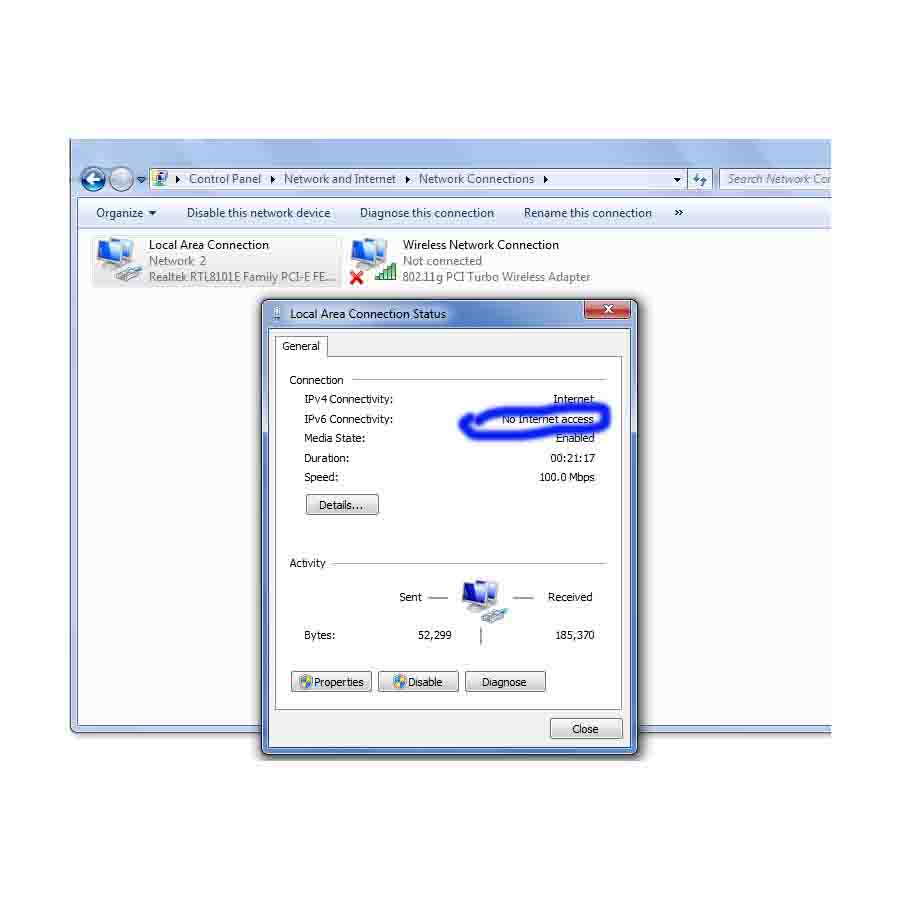
when i w.c to see the adapter address,Dns and all about.
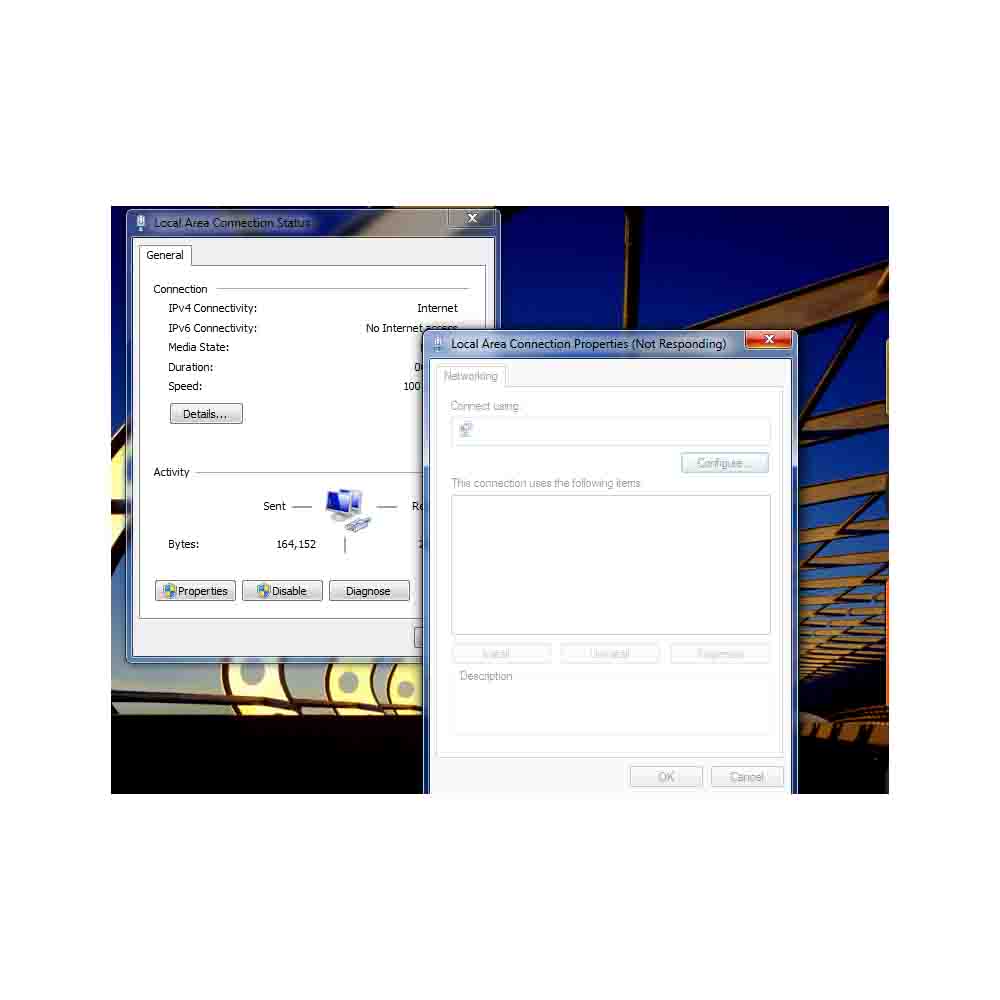
but nothing is Comming.after some Time Information is Comming.
and internet is very slow.kindly let me know the idea.why internet
is slow.Kindly find the attachment also.

Dani AI

Generated

The screenshot and thread indicate the adapter details dialog is stalling while Windows gathers address/DNS info and that overall Internet access feels slow. was correct to consider external causes (ISP) and malware, and 's observation that the IPv6 row shows "No internet access" is important — IPv4 and IPv6 are reported separately by Windows, and an IPv6 "no access" status on an IPv4-only network is expected and not by itself a cause of slow IPv4 traffic.

Practical checks that isolate the problem and often fix UI hangs and slowness:

Run these from an elevated command prompt and reboot after resets when indicated:

ipconfig /all
ipconfig /release
ipconfig /renew
ipconfig /flushdns
ping 127.0.0.1
ping <gateway IP>
ping 8.8.8.8
tracert 8.8.8.8
netsh winsock reset
netsh int ip reset

Also inspect Device Manager for NIC driver issues (update or reinstall driver), compare wired vs wireless behavior, check another device on the same network to rule out ISP, and scan for malware or VPN/antivirus processes that can intercept DNS or throttle connections. Use Resource Monitor/Task Manager to spot high background network usage. Event Viewer (System/Application) may show driver or TCP/IP stack errors that explain the "Not Responding" dialog.

Clarifying note on IPv6: Windows will show separate connectivity for IPv6; a "No Internet access" IPv6 row usually means no IPv6 default route or global address from the router. Disabling IPv6 is only a temporary test — some Windows services expect it.

Recommended Answers

All 2 Replies

The snap which you attached shows that the window which is giving no options for you to operate is actually 'Not Responding' which is not surprising for me because it is windows afterall. Secondly, the slow internet might be because of your ISP. I suggest you to check your system for viruses.

Secondly, the slow internet might be because of your ISP. I suggest you to check your system for viruses.

in My laptop internet is working properly.additional why when i check in status.why showing no internet access in ipv6 row.
Kindly find the attachment also.and let me know the idea.

Be a part of the DaniWeb community

We're a friendly, industry-focused community of developers, IT pros, digital marketers, and technology enthusiasts meeting, networking, learning, and sharing knowledge.