Hey, I'm a Happy Owner of a Razer Electra Headphones/Headset. The thing is that whenever I place the microphone wire into the line-in, sound is neither recorded or heard. Could it be that my VIA HD Sound Card isn't compatible with my headset? Thanks in advance, Isaac.

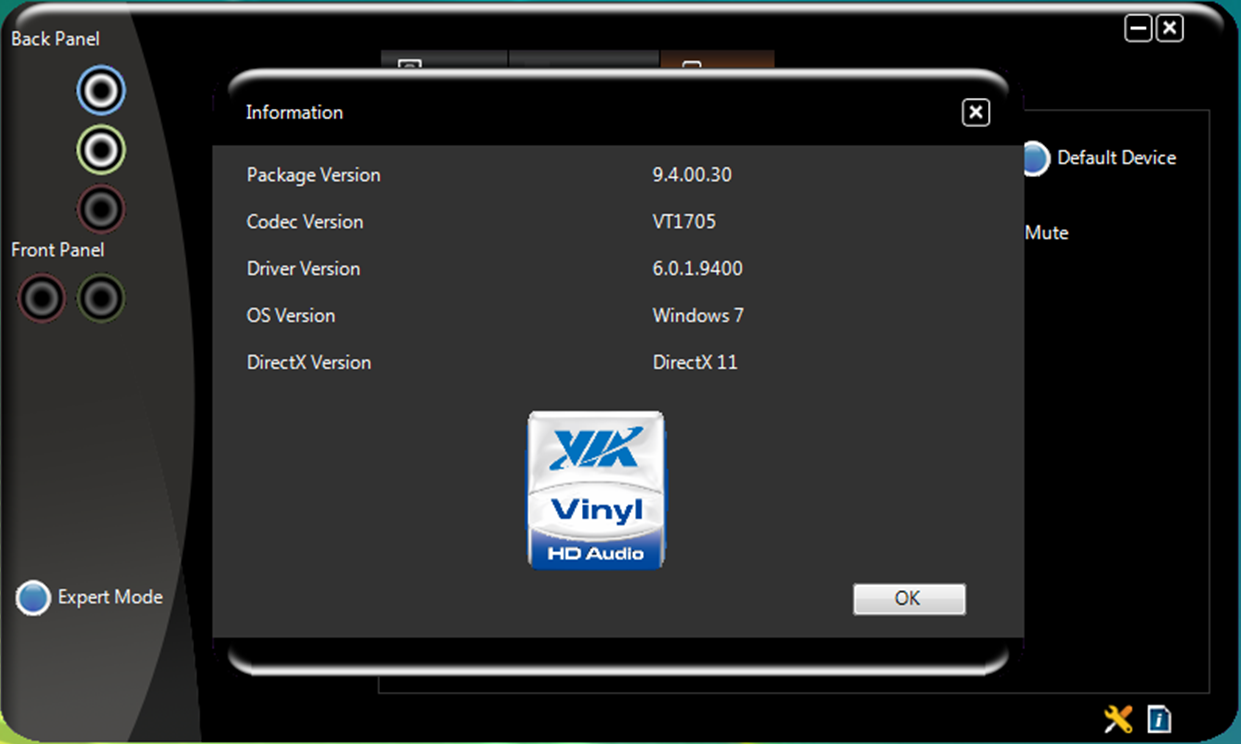
Attached you should find a screenshot of my VIA HD Audio Deck.

I had already posted this on the but to be honest it is the worst forum ever.
Dani AI

Generated

Brief recap and targeted steps based on the thread: pointed to the physical jack issue, and reports the Electra still isn’t recording when tried. The next useful moves are quick tests and configuration checks that narrow down whether this is a wiring/adapter mismatch, a driver/setting issue, or a faulty mic.

  • Confirm the plug type by counting rings on the 3.5 mm plug: two rings = TRS (stereo or mono), three rings = TRRS (combined headphone+mic). If the headset uses a single TRRS plug and the PC has separate mic/head jacks, the wiring will not match and the mic can be silent.
  • Test the headset mic on a phone or laptop with a known-working combo jack. If it records there, the headset is OK.
  • In Windows: open Sound -> Recording devices (right-click the speaker icon), show disabled devices, make the mic the default, and check levels (and mic boost). Use a simple recorder to test live.
  • Open the VIA HD Audio Deck and look for jack re-tasking or front-panel detection options. Some drivers let you assign a jack as “microphone” or “line-in”; try reassigning if available. Also update the VIA audio driver to the latest version before further testing.

If the headset uses TRRS and the PC expects separate plugs, a TRRS-to-dual-3.5mm splitter (or a USB sound adapter) will fix it. If the mic still fails after confirming the headset works on another device, try a cheap USB audio dongle to rule out a faulty onboard codec or jack. Small inline mute switches or an inline remote can also mute the mic—check the cable closely.

These steps should isolate hardware vs. software causes and point to a simple adapter or driver fix rather than a compatibility mystery.

Recommended Answers

All 3 Replies

The microphone plug should be connected to the microphone socket (the pink one), not the line in.

Connect it correctly and it will work properly.

I've tried that before. The thing is that my headset will only be used as a microphone.

There is this . But it is out of stock.

Be a part of the DaniWeb community

We're a friendly, industry-focused community of developers, IT pros, digital marketers, and technology enthusiasts meeting, networking, learning, and sharing knowledge.