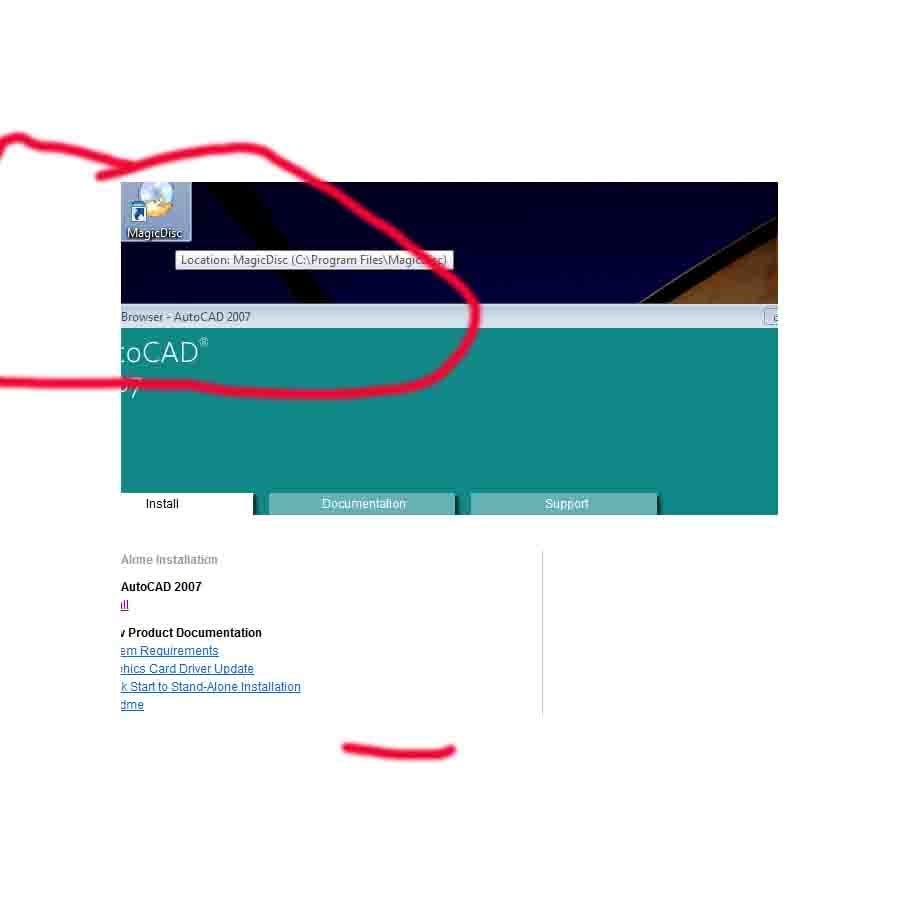
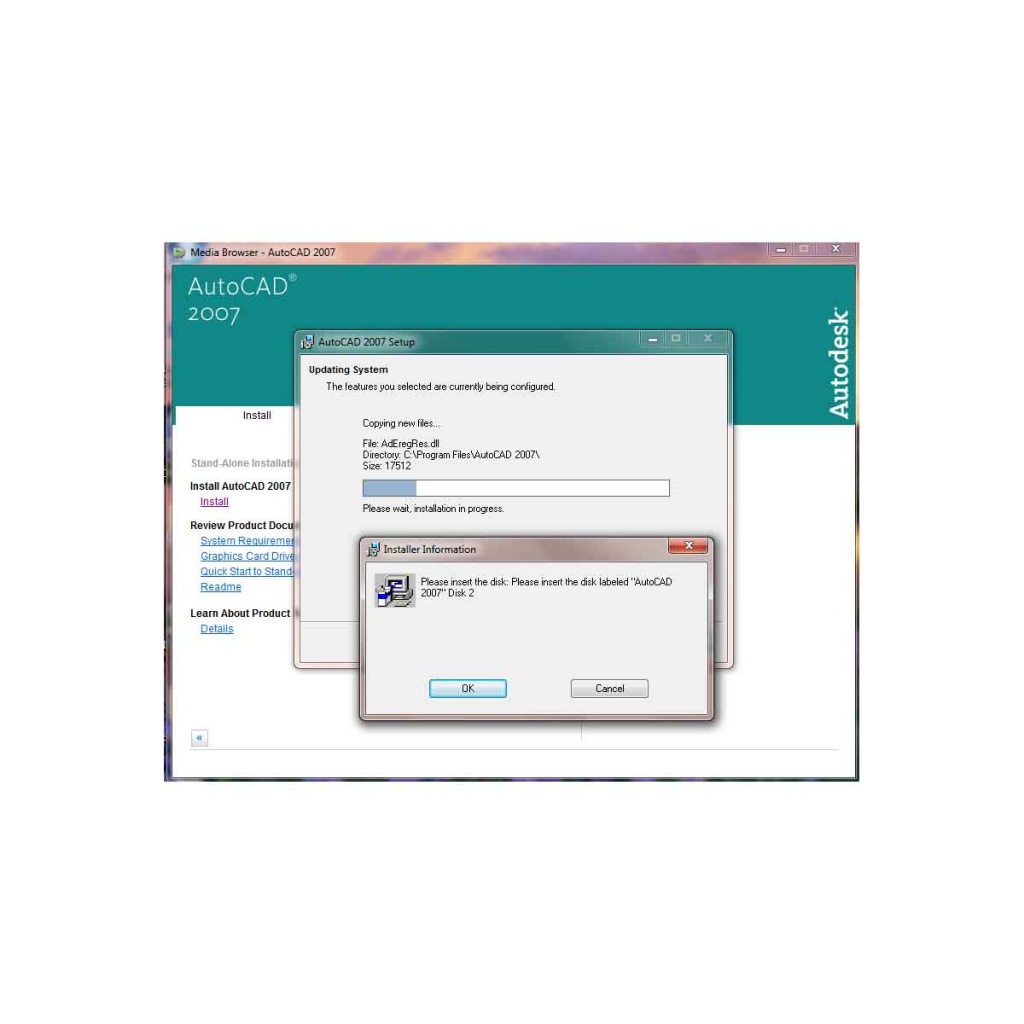
I Have Copied both the disk in my flash drive.but after finish one setup is saying Please insert another disk.but there is no
any browse option is there .so that i select from my flash drive.
Kindly let me know the idea.How should i install using flash drive.
Kindly find the attachment also.

Dani AI

Generated

Merging both discs into one folder often fails because many multi‑disc installers look for a separate CD volume (a drive letter or a specific volume label), not just the presence of files. That explains why ’s folder-merge did not stop the “Please insert disk 2” prompt.

A reliable fix is to make two ISO images (one for each original disk) and mount them as virtual CD drives, as suggested. The workflow is:

  • Create disk1.iso and disk2.iso. If actual CDs are available, use an imaging tool to “create image from disc.” If only folders exist, use the tool’s “create image from files/folders” option and point it at the folder for disk1, then repeat for disk2. Make sure hidden and system files are included and, if possible, set the ISO’s volume label to match the original disc label (some installers check that).

  • Put the .iso files on the flash drive or the hard disk.

  • Mount disk1.iso with a virtual drive program (Daemon Tools, WinCDEmu, Virtual CloneDrive, MagicDisc, etc.) or use the native Mount command on Windows 8+. Run setup from the virtual CD. When the installer asks for disk 2, unmount disk1.iso and mount disk2.iso, then continue.

Troubleshooting notes: if the mount program only shows “Unmount” it may mean no image is mounted yet — open the mount utility or right‑click the .iso and choose Mount. Run the mounting tool with administrator rights if options are missing. If the installer still rejects the mounted image, it may be checking for copy‑protection or an exact volume label; in that case the vendor’s downloadable installer or the original discs may be required. This approach answers ’s question: mount the .iso file (not individual files).

Recommended Answers

All 12 Replies

Mount the disk image using magic iso or any of the other free software that mounts the disk for you. Then it will see it mounted as a CD drive and resume.

Try creating a folder on your flashdrive and copy and paste the info from both disks in there. Then run the setup.exe file. It should be able to complete the installation without asking for a second disk.

Now i have made one New Folder.and i did copy both the folder
of disk1 and disk2.but still when i install .it is asking for a Second
Disk.Kindly let me know the idea.Any help would be highly appreciated.

Create an image of both disks and put it in a folder on your flash drive, then using 'daemon tools' or another 'iso reader', mount the disk 1 image file and the installation should start. When asked to insert disk 2 all you do is open the 'iso program' and mount disk 2, then click to continue the installation. Let me know how it goes, or if i can assist further in anyway.

Create an image of both disks

How Should i Create image of Both Disk.Kindly let me know the idea.
Any help would be highly appreciated.

You can use magic iso to make an image if you have the disks and if not just make a new image and put the files for disk1 on it and then the files for disk2 in another

You can use magic iso to make an image

From where should i get magic Iso.Kindly let me know some
download link.

You can use magic iso to make an image if you have the disks and if not just make a new image and put the files for disk1 on it and then the files for disk2 in another

i have installed magic disk.but when i click on this .only simple
one more icon is comming on system tray.and nothing happens.
kindly let me know the idea.

ok if you already have images right click on the icon in the corner and go to mount drive. browse to your flash drive and select disk1.iso and then it will mount to a fake cd drive. When it asks for disk2 go to the tray unmount the disk1 image and mount disk2 and it should find cd 2 then.

right click on the icon in the corner and go to mount drive.

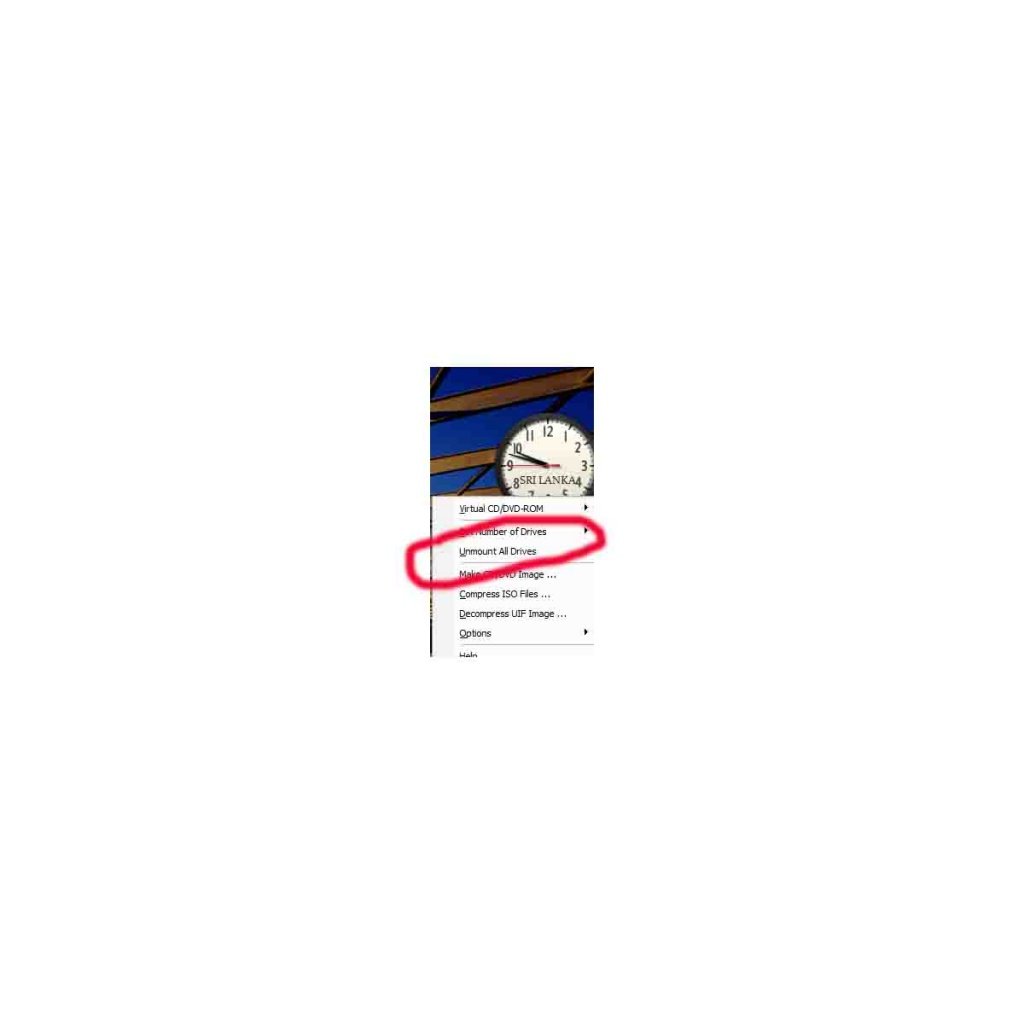
i did not get not get mount option. unmount all drive option is there.
instead of mount option.kindly let me know the idea.any help would
be highly appreciated.kindly find the attachment also.

the top option in your thumbnail (Virtual CD/DVD ROM DRIVE) it should be under that.

. browse to your flash drive and select disk1.iso and then it will mount to a fake cd drive.

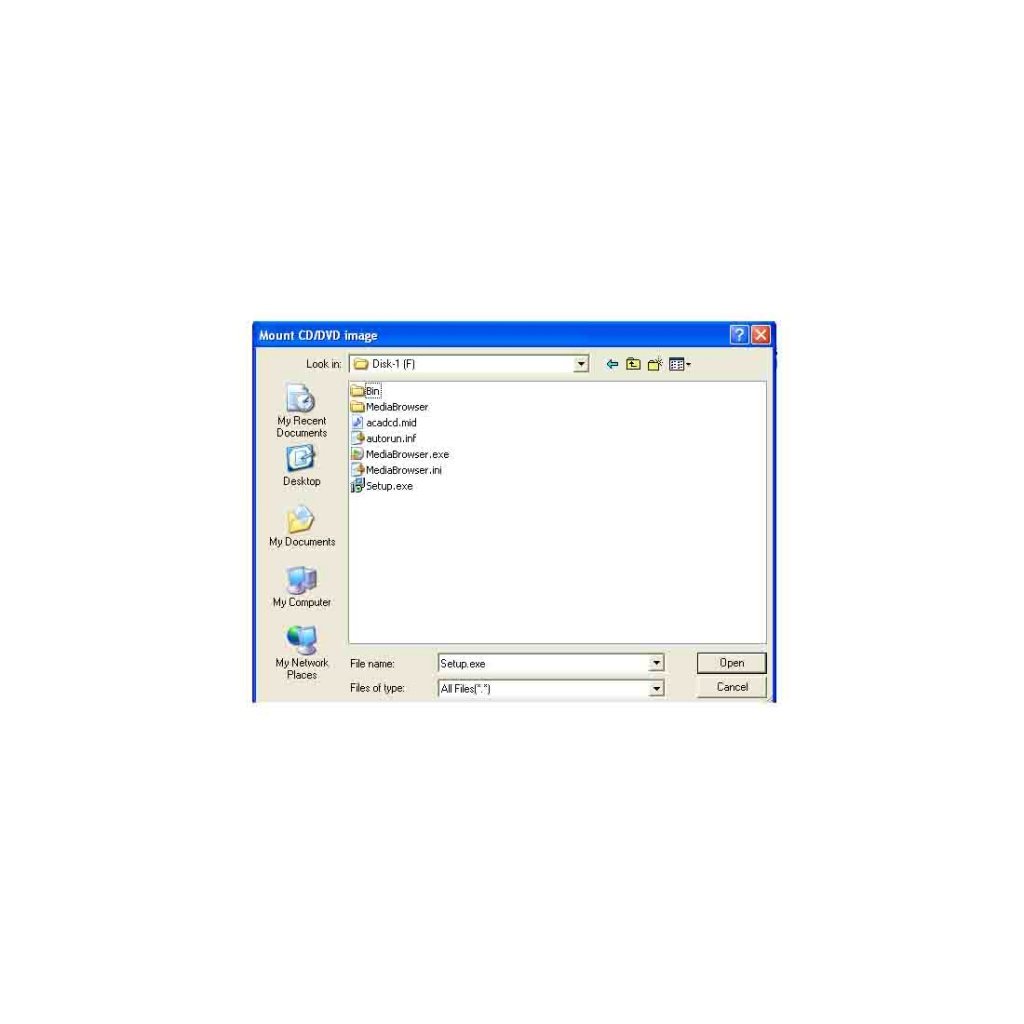
when i tried to open disk one using Browse window all the file comes.Which file need to be mounted from the disk1 and disk2 Folder.kindly let me know the idea. Any help would be highly appreciated.

Be a part of the DaniWeb community

We're a friendly, industry-focused community of developers, IT pros, digital marketers, and technology enthusiasts meeting, networking, learning, and sharing knowledge.