Hey, so on my website which can be found here

hxxp://leaguespirit.com/

(change the x's to t's)

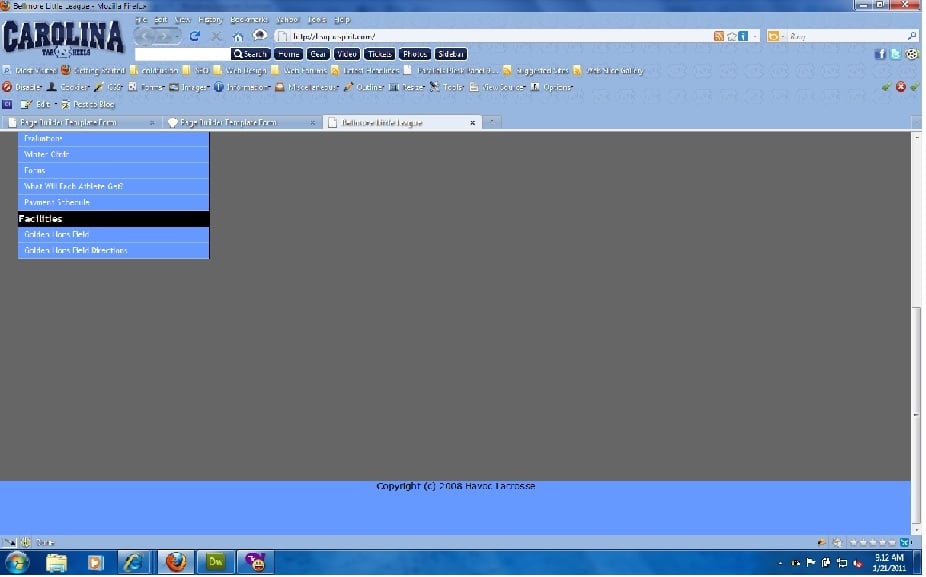
my footer loads at the bottom but then you can scroll down and I'm not sure why. you can view the source code and hopefully let me know why thats happening its so frustration.

Also its using wordpress as the cms background so I'm not sure if that has anything to do with it but it shouldn't.
Dani AI

Generated

: the symptom you described (footer sits visually at bottom but page still scrolls) is very common and has a few reliable causes. was on the right track — removing a positioned footer normally brings it back into the document flow so it can participate in layout — but the lost background and the extra gap usually mean the content above the footer is not expanding its container (floats, margins, or an unclosed tag), or the overall page height isn’t being handled correctly.

A modern, robust fix is to make the page a column flex container so the main area grows and the footer stays after it. For example:

html, body {
  height: 100%;
  margin: 0;
}

#site {
  min-height: 100vh;
  display: flex;
  flex-direction: column;
}

#content {
  flex: 1 0 auto;
}

footer {
  background: #222;
  padding: 20px;
  color: #fff;
}

That pattern preserves the footer background, avoids absolute positioning, and prevents the extra scrolling when content is short. Note: some mobile browsers treat 100vh differently; test on a phone.

Quick troubleshooting tips if switching to flexbox is not possible right away:

  • Use the browser inspector to find which element extends past the viewport. Check computed heights, margins and the box model.
  • Look for floated elements inside the main content; if you need a quick containment trick, give the content wrapper a new block formatting context (for example, overflow: auto;) so it expands to contain floats.
  • Check for stray bottom margins on the last content element and remove the browser default body margin (body { margin: 0; }).
  • In WordPress, confirm footer.php and your theme markup close all wrappers, wp_footer() is present, and test while logged out (the admin bar can change layout).

These steps explain why ’s change affected the background and give a stable alternative that avoids collapsed containers or absolute positioning.

Recommended Answers

All 3 Replies

Try removing the absolute position and adding clear: both; to the footer div.

that put the text at the bottom but removed the background color of the footer and added a small space up top.

is there any way to get the background color back?

Did you add the

clear: both; ?

When I remove absolute position, then yes just the text is put at the bottom. Only until I add the float clears that the background is styled where it should be.

Be a part of the DaniWeb community

We're a friendly, industry-focused community of developers, IT pros, digital marketers, and technology enthusiasts meeting, networking, learning, and sharing knowledge.