Windows XP Home edition Service pack 2

I performed an undo system restore and while it was in the final stages a quick error window popped up then disapeared, I have no idea what it said but now when

Windows boots it stops at this screen

http://www.freebsddiary.org/images/disk-cloning-xp-stop.jpg
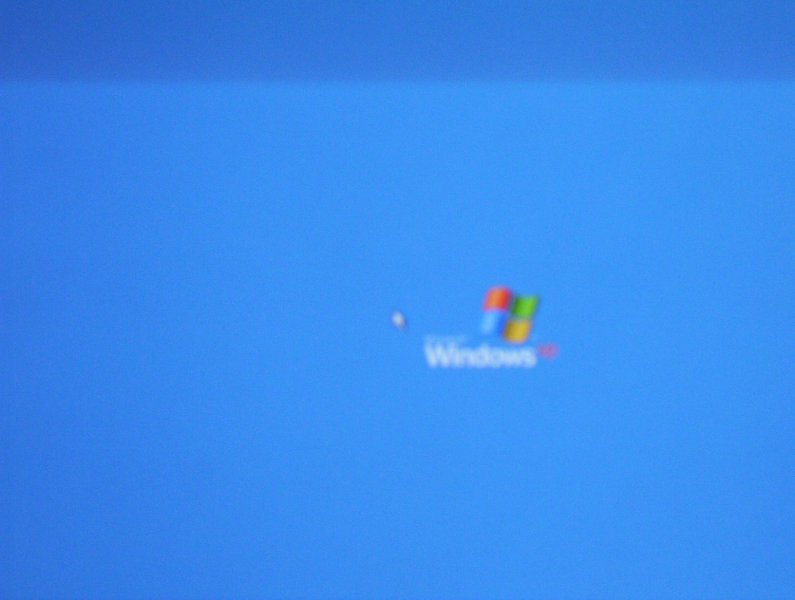
all i can do is move the mouse, safe mode does not work, restore to a 'known good configuration' and basically all f8 options failed.

Anyway to get around this with out reformatting. Did i mention no XP disk came with the computer

Dani AI

Generated

— since already asked about waiting for the machine to finish, here are targeted recovery steps that work for cases where an interrupted System Restore leaves Windows hanging at the logo and mouse pointer. These are practical, non-destructive options to try before a full reformat.

Boot from a WinPE/rescue disk (Hiren's BootCD, BartPE, or any Windows PE) and inspect the restore-point snapshots. In C:\System Volume Information\_restore{GUID}\RPxx\snapshot\ there are hive files named like _REGISTRY_MACHINE_SYSTEM, _REGISTRY_MACHINE_SOFTWARE, _REGISTRY_MACHINE_SAM, _REGISTRY_MACHINE_SECURITY, and _REGISTRY_USER_.DEFAULT. Back up the current C:\Windows\System32\Config files (rename them to .bak) and copy those snapshot files into C:\Windows\System32\Config, renaming each to the standard hive name (SYSTEM, SOFTWARE, SAM, SECURITY, DEFAULT). Make sure the system drive letter in the PE environment matches the usual assignment before copying.

If a manual hive restore is not possible or does not help, run chkdsk /r from the Recovery Console or a PE environment to repair file system errors that can block boot. Use fixboot/fixmbr only if the boot sector/MBR is suspected (these can affect dual-boot setups). If neither manual hive restore nor disk repair works, the next safe option is a Windows XP repair install (requires an XP CD) or the OEM factory recovery partition/media from the PC maker.

Notes and cautions: always keep backups of any file replaced. C:\System Volume Information is protected; a PE environment is the easiest way to access it. If boot logging is possible, check C:\Windows\ntbtlog.txt for drivers that failed to load — that can point to the offending driver or service.

Recommended Answers

All 3 Replies

Your linky no worky. How about providing us with the exact error code.

paste it directly

there is no error code, it only flashed

When the computer boots it goes to and stops at the blue windows screen with XP logo on the rightside, and the mouse cursor is visible

And nothing happens if you let it sit?

btw...pasting it directly doesn't work either.

Be a part of the DaniWeb community

We're a friendly, industry-focused community of developers, IT pros, digital marketers, and technology enthusiasts meeting, networking, learning, and sharing knowledge.