**Will some near genius create a fireworks screensaver with current clock display for me for free? PLEASE?
I have searched the web for two days and have found nothing. Is it even possible?
Either way, may God bless you!
Peace to all. **
**Will some near genius create a fireworks screensaver with current clock display for me for free? PLEASE?
I have searched the web for two days and have found nothing. Is it even possible?
Either way, may God bless you!
Peace to all. **
Building on ’s request and the ideas from (play a fireworks clip) and (use a player overlay), three practical approaches give a real fireworks display plus a live clock on a Windows PC—one is entirely free and immediate, one converts a video into a proper .scr screensaver, and one is for a custom-coded screensaver if a polished, integrated result is needed.
VLC (free) — play a fireworks video full‑screen, loop it, and add a live date/time marquee. The marquee (marq) sub-filter can draw the current time/date on top of the video; it can be enabled via the Preferences (Show settings → All → Subtitles/OSD → Marquee) or from the command line. Example command-line invocation (single-line example):
vlc.exe --sub-filter=marq{marquee=Time:%H:%M:%S" Date:%d/%m/%Y,color=16776960,size=-2,position=6} This is the quickest free route to a live clock over fireworks footage. (superuser.com)
Convert a fireworks video into a Windows screensaver (.scr) — use a small tool to package MP4/AVI/MKV into a .scr so it appears in Windows’ Screen Saver settings. A free/open project that does this exists, and there are commercial WYSIWYG authoring tools if more polish or packaging options are required. Note that many video‑to‑screensaver converters simply play the video and won’t add a live system clock unless the tool specifically supports dynamic overlays or the video player embeds one. (github.com)
Custom .scr (developer option) — writing a dedicated screensaver that renders fireworks and reads system time is straightforward for someone comfortable with Windows graphics APIs; this produces the most integrated result but requires development effort.
Security note: .scr files are executable program files on Windows—avoid running screensavers from unknown sites and scan downloads before installing. Prefer reputable sources (official vendor pages or GitHub projects) when obtaining tools or screensavers. (learn.microsoft.com)
Summary: the fastest free method is a looped fireworks clip in VLC with the marq/date overlay enabled; converting to a .scr or building a small custom screensaver are alternatives if a native Windows screensaver is required.
Jump to Post— Dani 5,664Didn't Microsoft Windows have this built-into their OS many, many years ago?
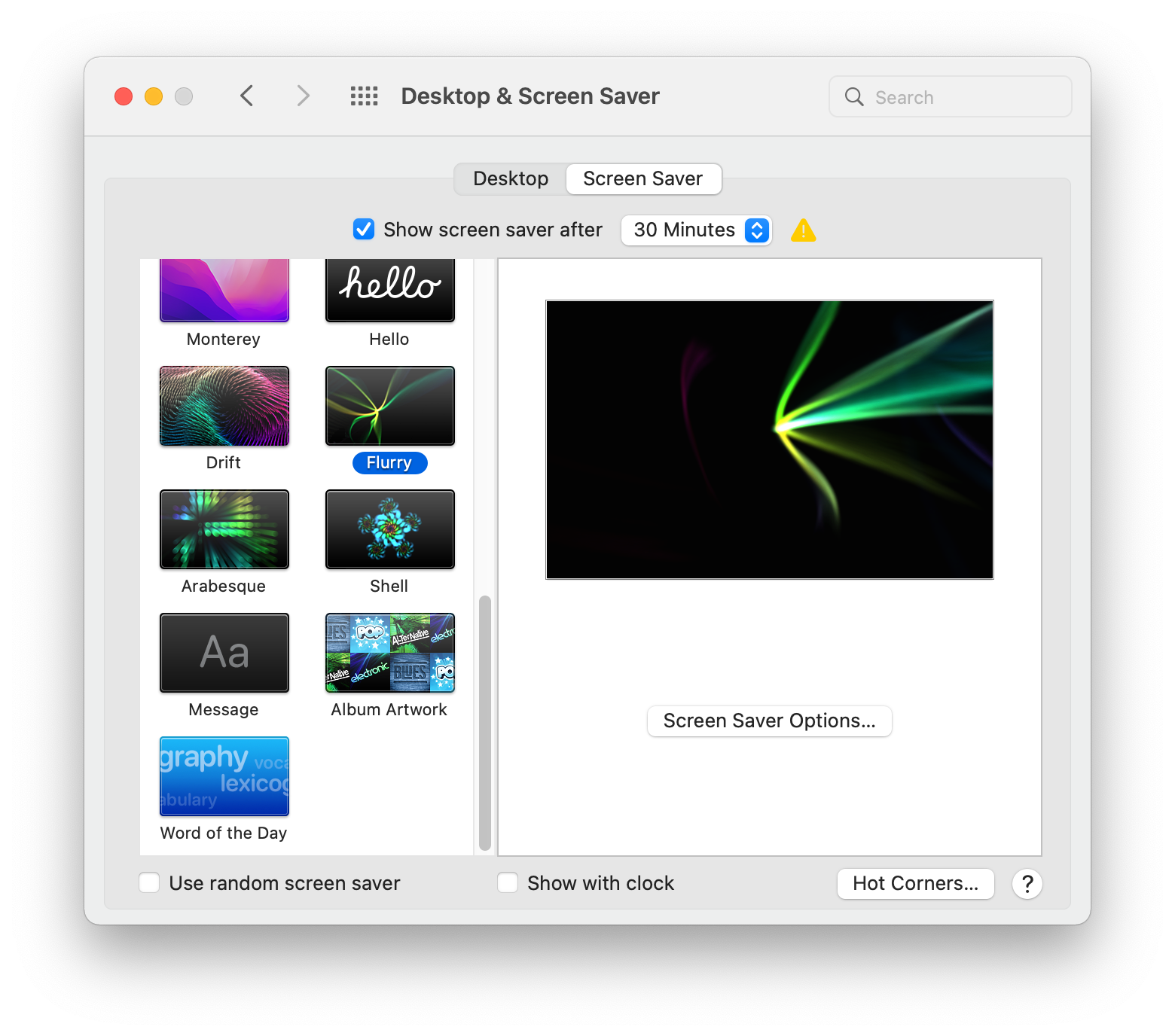
Jump to Post— Dani 5,664On the mac, there's a little checkbox that says "Show with clock".
Jump to Post— rproffitt 3,249Thank you Reverend Jim.
Let's add Current Date and Time to VLC Player! Read https://wiki.videolan.org/Documentation:Modules/marq
Huzzah! "This example displays the current date and time in yellow in the top left corner of video."
VLC Player runs on Apple OS, Windows, Linux and …
Seems someone has done this. I'm reading https://www.zerge.com/firework-screensaver/ My bet is there are others out there for other OSes.
Didn't Microsoft Windows have this built-into their OS many, many years ago?
On the mac, there's a little checkbox that says "Show with clock".

Key words, FREE and CLOCK! Friends, is the combination even possible?
Please advise.
I didn't see any mention it must be free in the request. Are you having LOG IN ISSUES? I see you have a second account here.
While I could write one, my works have all been for companies and paid for. I haven't written a free app in decades.
Lacking a screen-saver (which is no longer required to save your display) why not just download a fireworks video and have it play full-screen on repeat?
Thank you Reverend Jim.
Let's add Current Date and Time to VLC Player! Read https://wiki.videolan.org/Documentation:Modules/marq
Huzzah! "This example displays the current date and time in yellow in the top left corner of video."
VLC Player runs on Apple OS, Windows, Linux and what else?
Where may I download the "Marqe" app? I think that may be just what I was looking for.
I thank you kind people.
I can't find where anyone here wrote "Marqe" but the Marq filter is built into or part of VLC Player. In case you missed how to use it, read https://wiki.videolan.org/Documentation:Modules/marq
My preferred source for VLC Player is at ninite.com
We're a friendly, industry-focused community of developers, IT pros, digital marketers, and technology enthusiasts meeting, networking, learning, and sharing knowledge.