Hi,

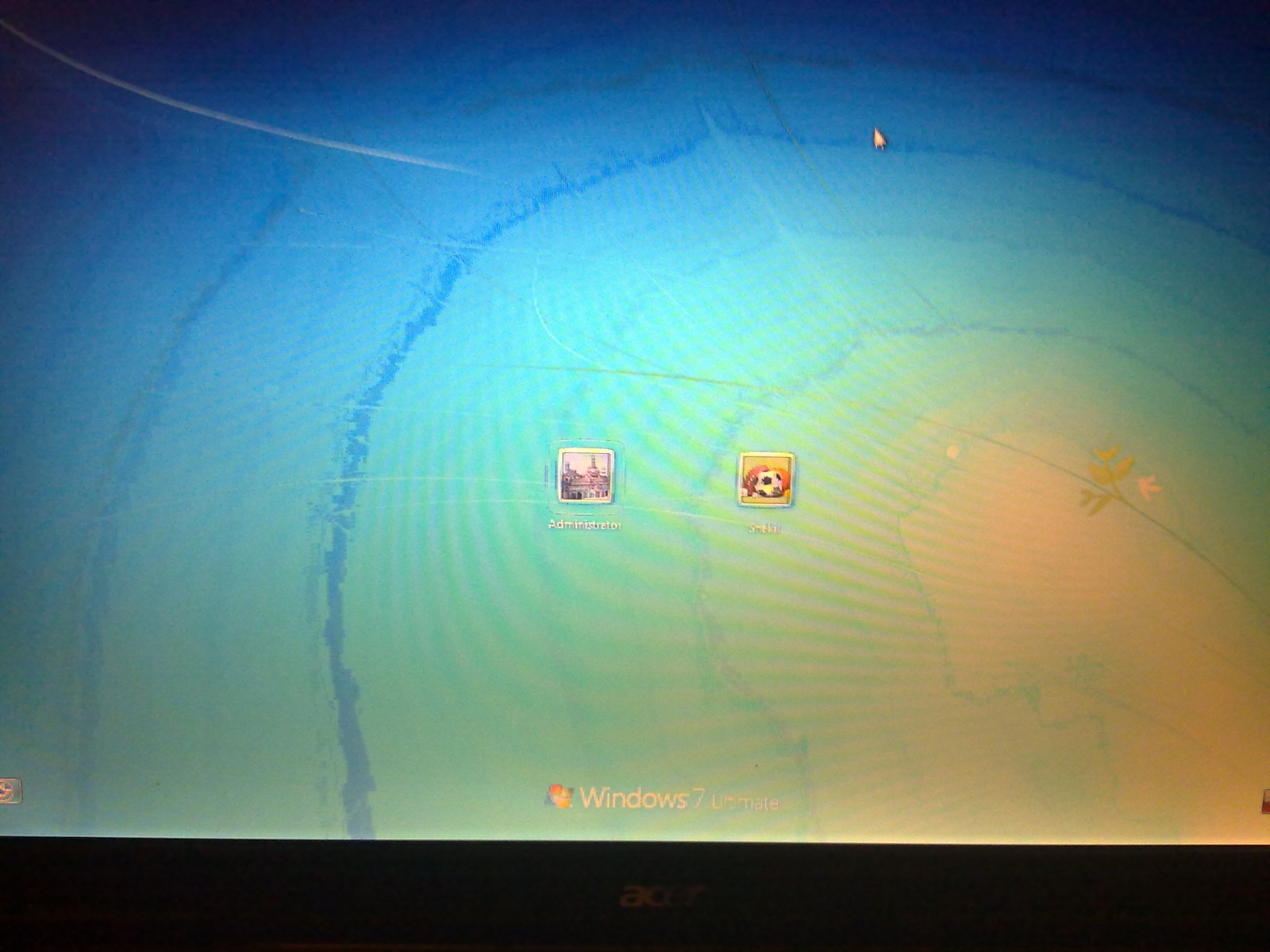
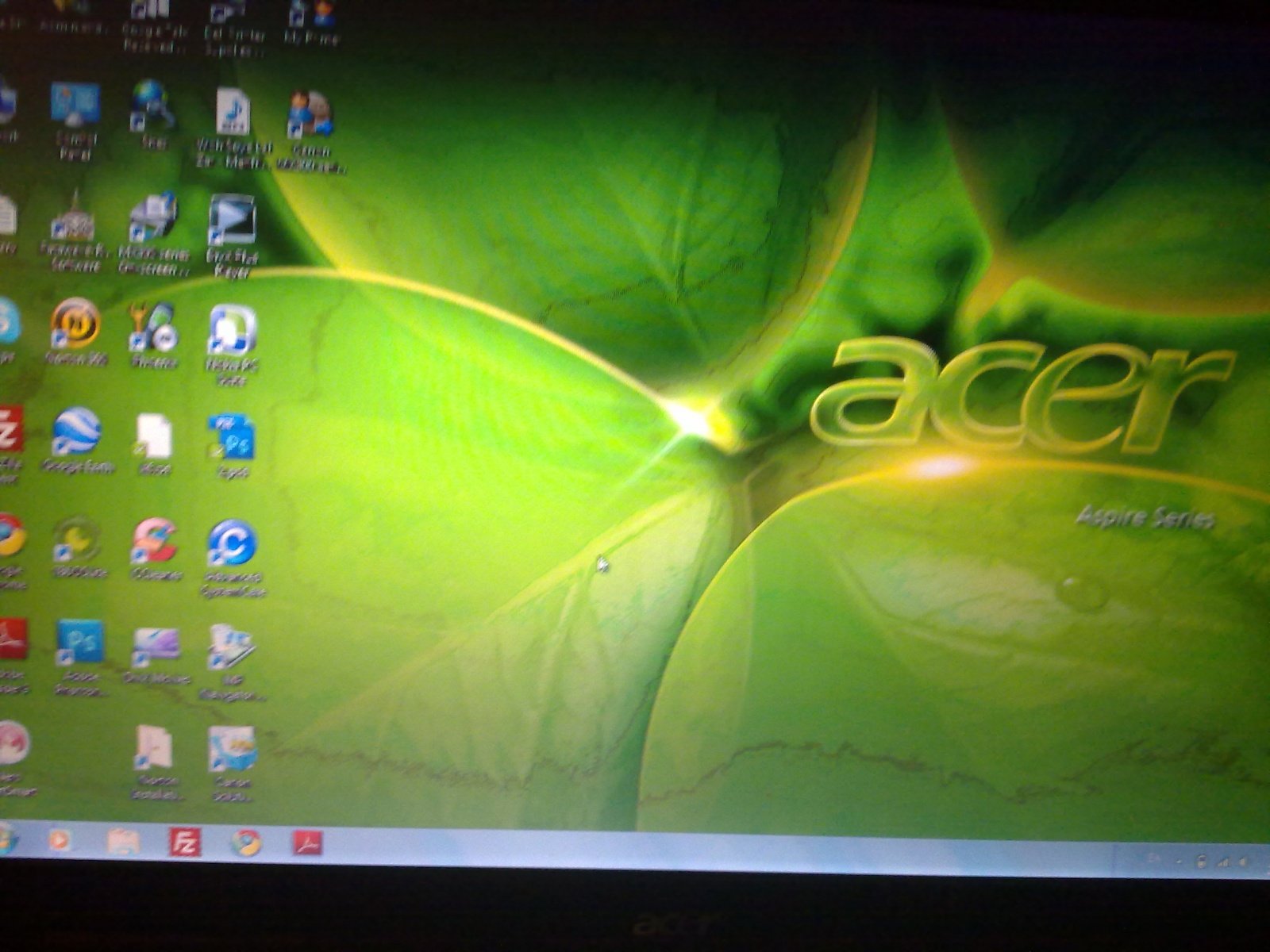
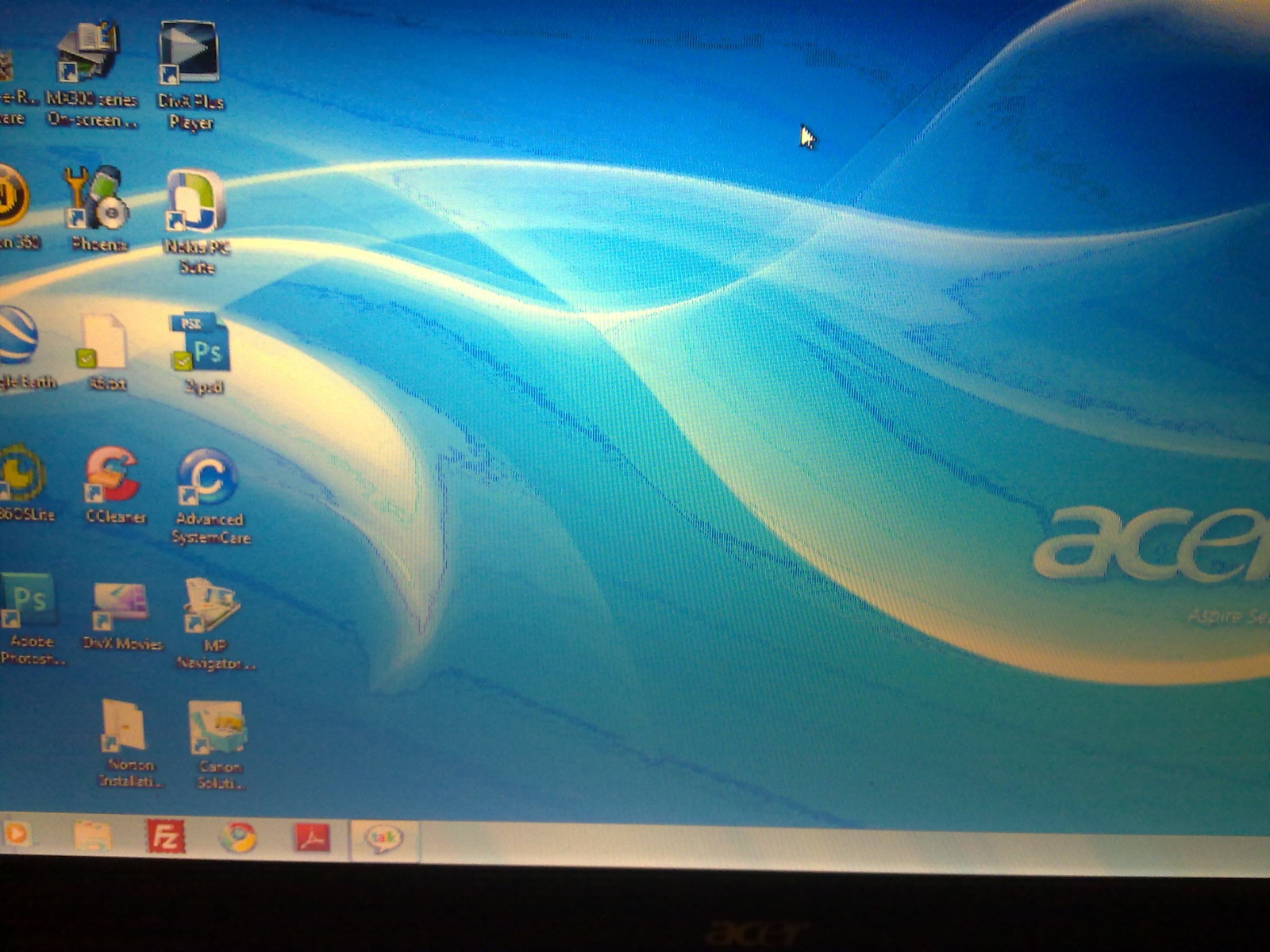
My Acer laptop LCD screen suddenly turned fuzzy/blurry and the colour has gone dodgy. This happens from startup(incl. on BIOS) and I have already checked for any loose cables inside but to no avail.

Text appears unclear/fuzzy as well.

I have attached a few screenshot taken from my phone.

My Warranty has finished, so does any one have any suggesstions on how to fix?

Thanks in Advance
Dani AI

Generated

Because the blur is present before Windows loads (you mentioned it shows up in BIOS), this is almost certainly a hardware problem rather than a driver or OS issue. Replies from and point toward panel/cable faults, and ’s note about his 8942g (external output OK but the internal panel failed even after parts were swapped) is a useful data point — it shows there are several different hardware layers that can look similar from the outside.

Practical, ordered checks to narrow the fault quickly:

  • Try an external monitor first. If the external image is clean, the GPU/motherboard video output is probably OK and the fault sits between the board and the internal LCD (cable/T-CON/panel). If the external is fuzzy too, suspect the GPU/motherboard.
  • Do the “bright-room” test: in a well-lit room, look closely at the powered screen with the backlight off (cover the backlight or view at angle). A faint but correct image means the LCD matrix is still producing data and the backlight/LED driver/T-CON is suspect. No faint image usually indicates panel matrix failure.
  • With power removed (battery out, AC unplugged) open the display bezel and inspect the flat flex/LVDS/eDP cable at both ends (panel and motherboard). Look for torn wires where the cable bends near the hinge, bent/oxidized pins, or a loose latch. Reseat the connector correctly — many latches must be lifted fully before removal.

If you can, while someone watches the screen, carefully wiggle the hinge/cable with the lid open (powered on) to see if the artifact changes — intermittent change = cable/connector. If swapping the cable still leaves the fault, the T-CON (small board on the back of the panel) or the motherboard video circuits are likely. Given ’s report that panel+cable swaps can still fail, a professional bench test or a targeted parts-swap (donor panel or known-good cable) is the most reliable next step. Take the panel part number from the LCD label before ordering parts. Safety note: always disconnect battery/AC before poking connectors and use high-concentration isopropyl to clean contacts.

Recommended Answers

All 4 Replies

did you ever figure out what happened w your computer I have an acer 8942g did the same then its monitor died. laptop works on external display installed a new led screen and cable connector to mother board still not working brandonrek75@gmail.com

did you ever figure out what happened w your computer I have an acer 8942g did the same then its monitor died. laptop works on external display installed a new led screen and cable connector to mother board still not working brandonrek75@gmail.com

You can try replacing the moniter with another one. Try replacing your graphics drivers and updating your video card.

You need to replace the LCD screen of your device it looks like that the problem is somewhere with the strip connecting the LCD with the motherboard.

Be a part of the DaniWeb community

We're a friendly, industry-focused community of developers, IT pros, digital marketers, and technology enthusiasts meeting, networking, learning, and sharing knowledge.