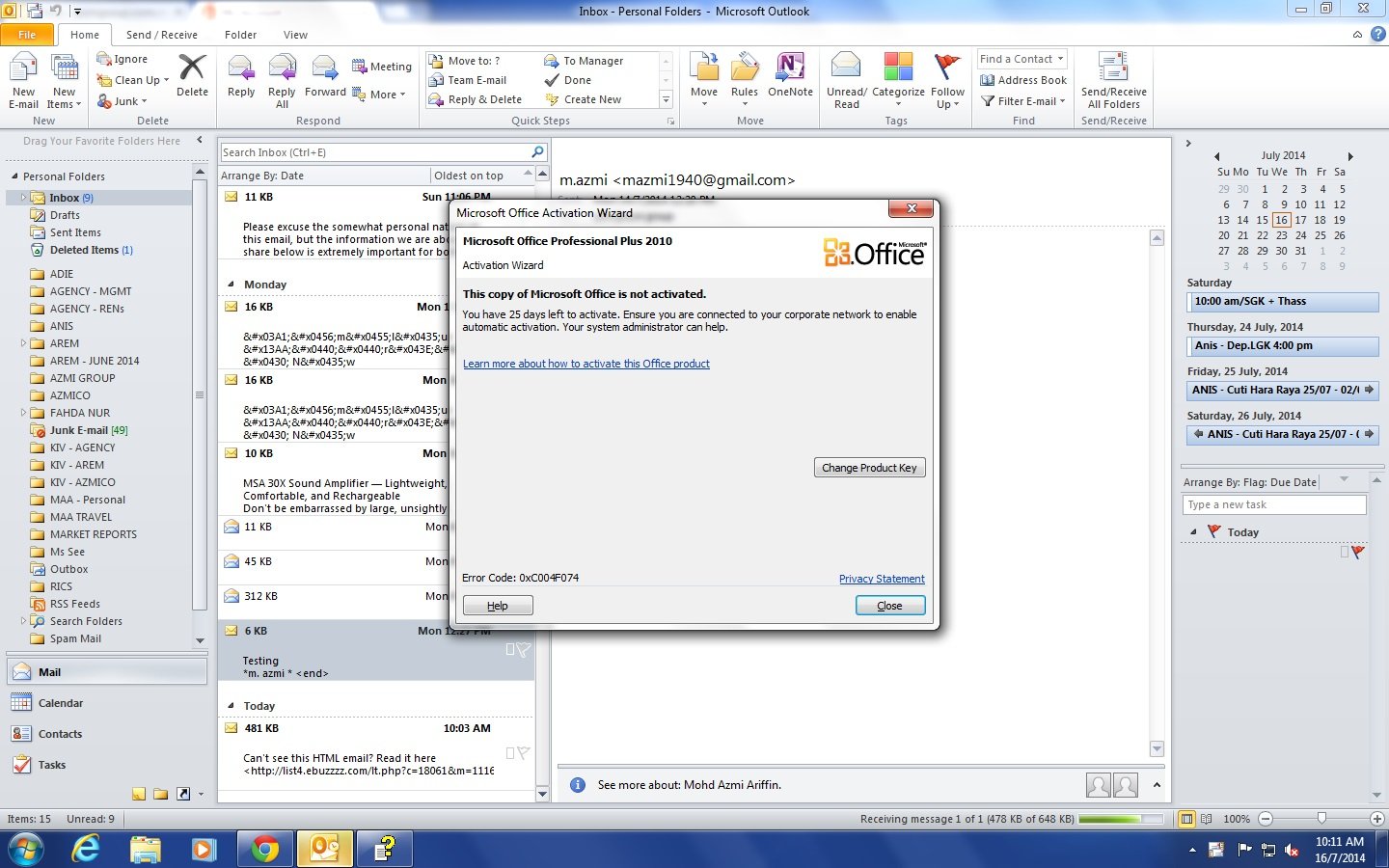
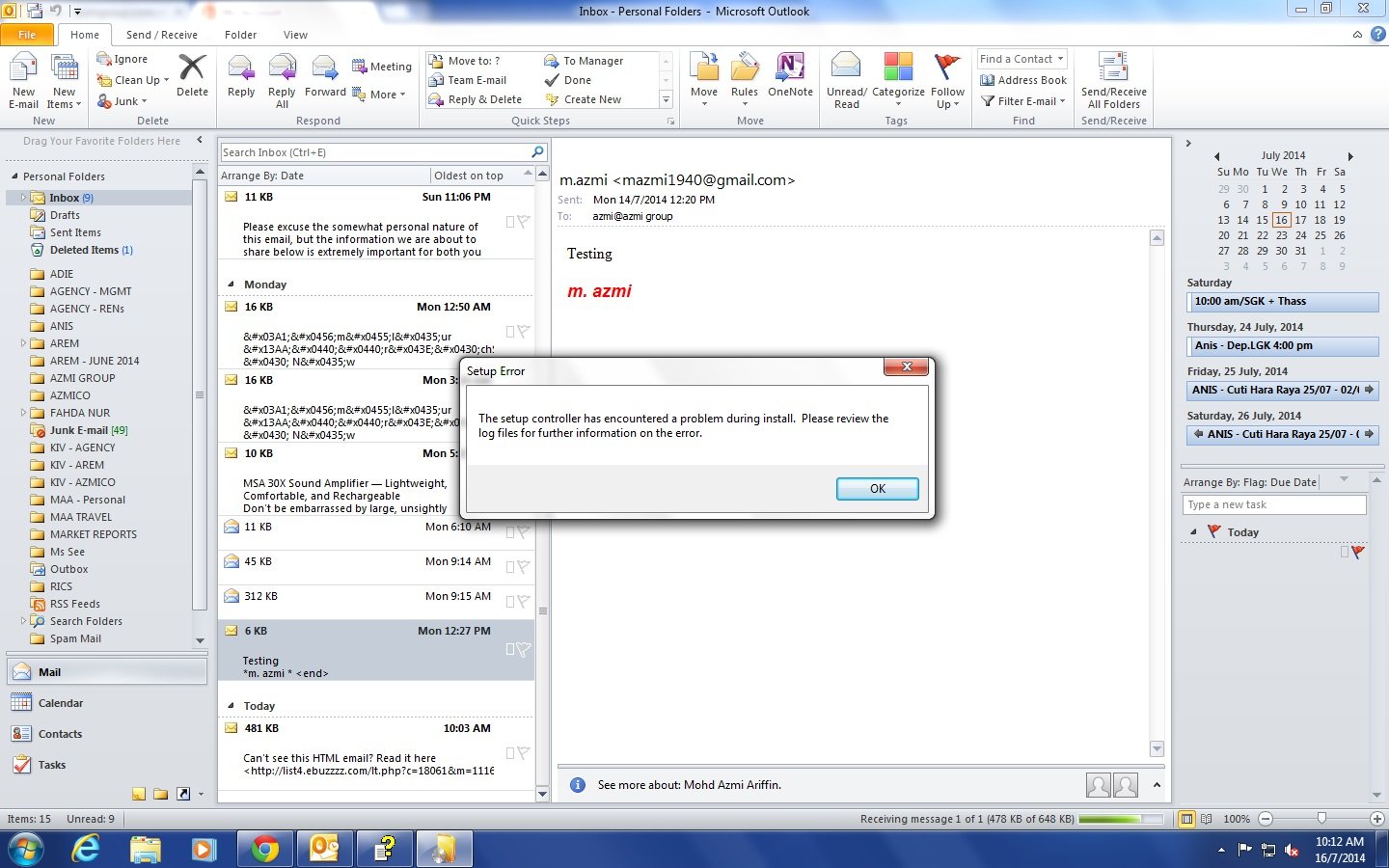
The company have the original license for MS Office 2010 Home and Business license product key but somehow it couldn't activate as show in the attahcement. It just show product not activated. I have try uninstall and reinstall again but fail. I have also try repair and change the product key number but no use. Error message came out the same. The OS is Window 7 proffessional.

Appreciate to those who help.
Dani AI

Generated

This thread shows a classic edition/licensing mismatch — a Professional Plus (usually a volume-license build) will not activate with a retail Home & Business key. was right to look at the installed edition first. Confirm the exact suite shown in an Office app (File > Help / File > Account in later builds) or in Control Panel before changing keys or reinstalling. (support.microsoft.com)

Practical, minimal-traffic steps that avoid full reformat:

  • Check the installed product name and license status in Word/Excel (File > Help).
  • Uninstall the currently installed Office suite from Control Panel > Programs and Features.
  • If the uninstall fails or leaves remnants, run Microsoft’s uninstall/troubleshooter tool (the Office uninstall troubleshooter/Support and Recovery Assistant) and then reboot. After the system is clean, install the Office 2010 Home & Business media that matches your product key. (support.microsoft.com)

If Professional Plus was a volume-license install you may have KMS/GVLK data left behind. For administrators the Office Software Protection Platform script (ospp.vbs) can show and replace installed keys — run it from the Office14 folder (use Program Files or Program Files (x86) depending on your install). Example (run Command Prompt as Administrator):

cd "C:\Program Files\Microsoft Office\Office14"
cscript ospp.vbs /dstatus
cscript ospp.vbs /unpkey:XXXXX
cscript ospp.vbs /inpkey:YOUR-RETAIL-KEY-HERE
cscript ospp.vbs /act

Only use these commands if you understand volume vs retail licensing and after backing up the system — ospp.vbs is intended for volume-license management. (learn.microsoft.com)

One last note: Office 2010 is out of support and Microsoft’s download/repair options have changed; keep original media or contact Microsoft if you have proof of purchase, and consider upgrading to a supported Office version for security and easier support. (support.microsoft.com)

Format the whole computer and re install all the software to make it work which I am tired of doing. As long as its work. Beggining to hate Windoze.

You're saying you're trying to activate Office Home and Business. However, the screen shot you've posted shows Office Professional Plus installed. Remove Professional Plus and install Home and Business. The program should activate then.

Some joker install Office Pro Plus which the company do not have a valid license copy. The company have the product key but without the CD. I have to download the MS Office Home and Business from Microsoft website and install. Should have just remove. Thanks for the reply.

Be a part of the DaniWeb community

We're a friendly, industry-focused community of developers, IT pros, digital marketers, and technology enthusiasts meeting, networking, learning, and sharing knowledge.